OneSignal is a platform that provides free web push notifications for up to 10,000 subscribers per send. With EA4V, you can send notifications from Voxel in-app events—such as new messages, new posts matching saved searches, post approvals, and more—directly to users through web push notifications. 🔔
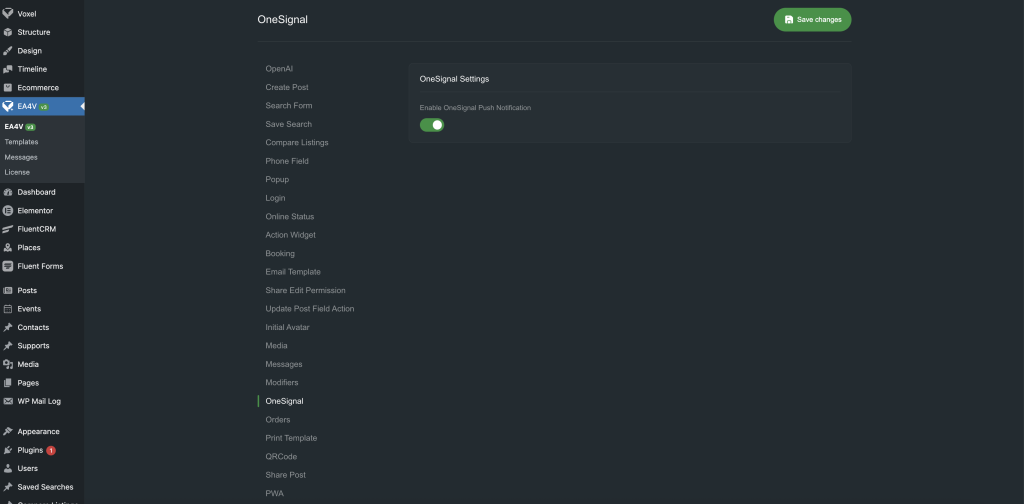
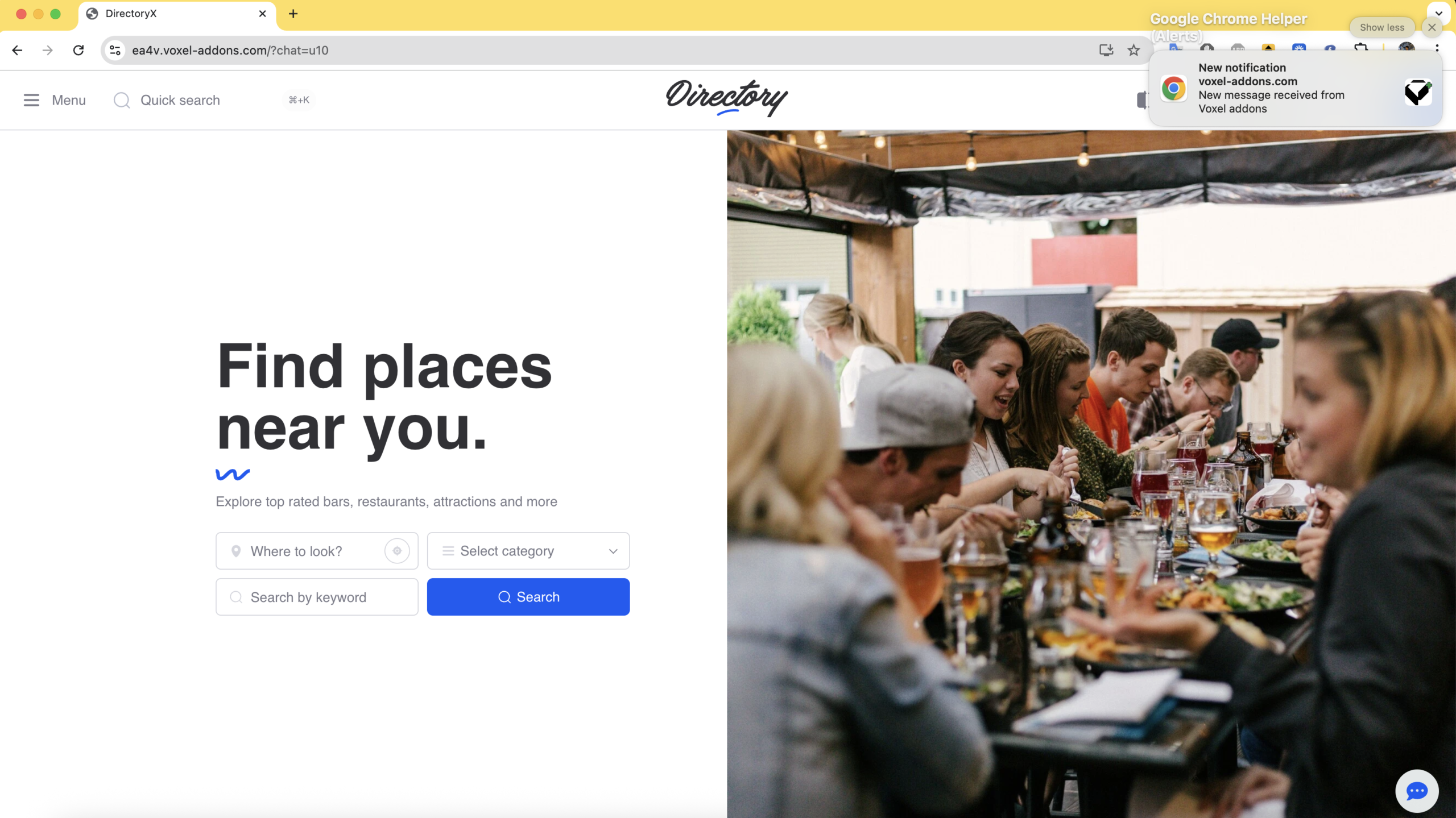
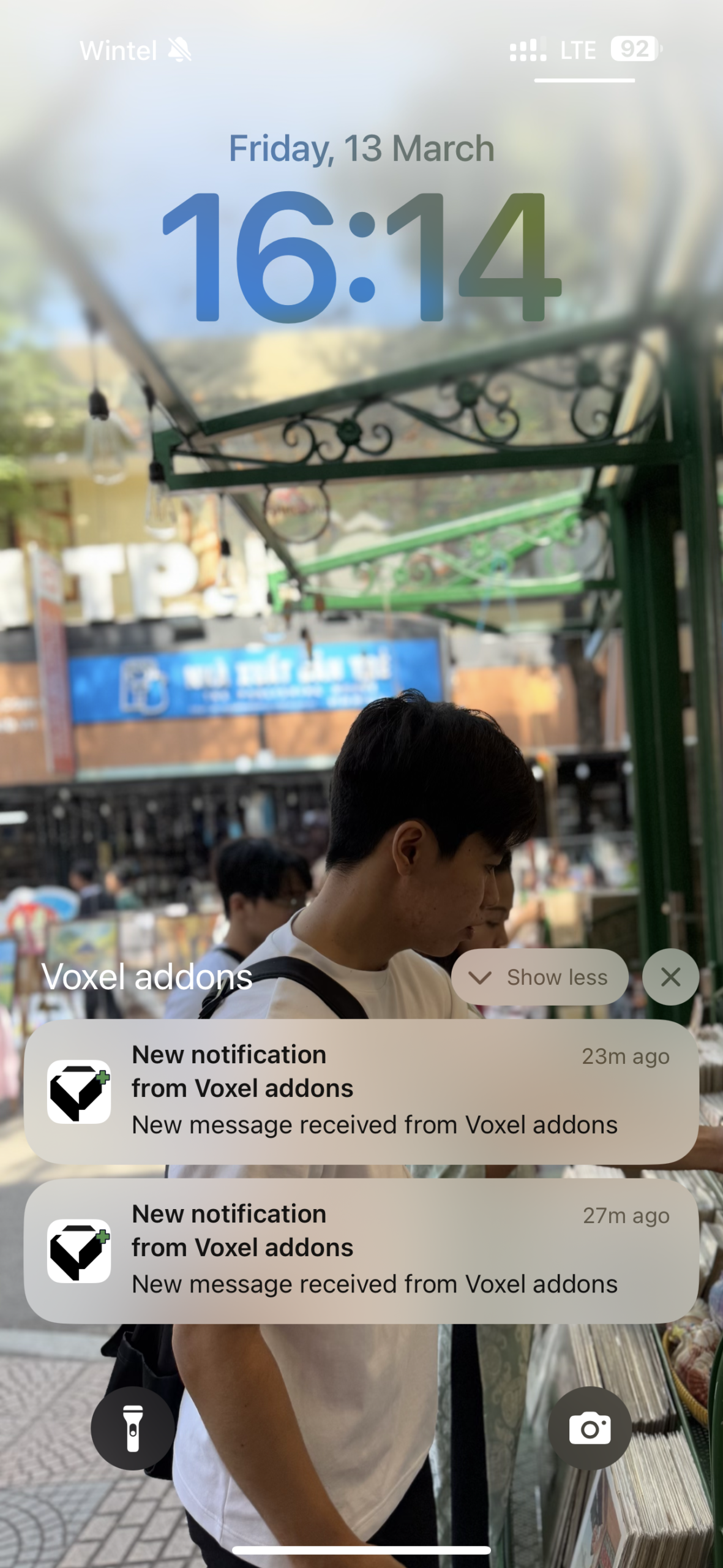
To use this feature, follow these steps:
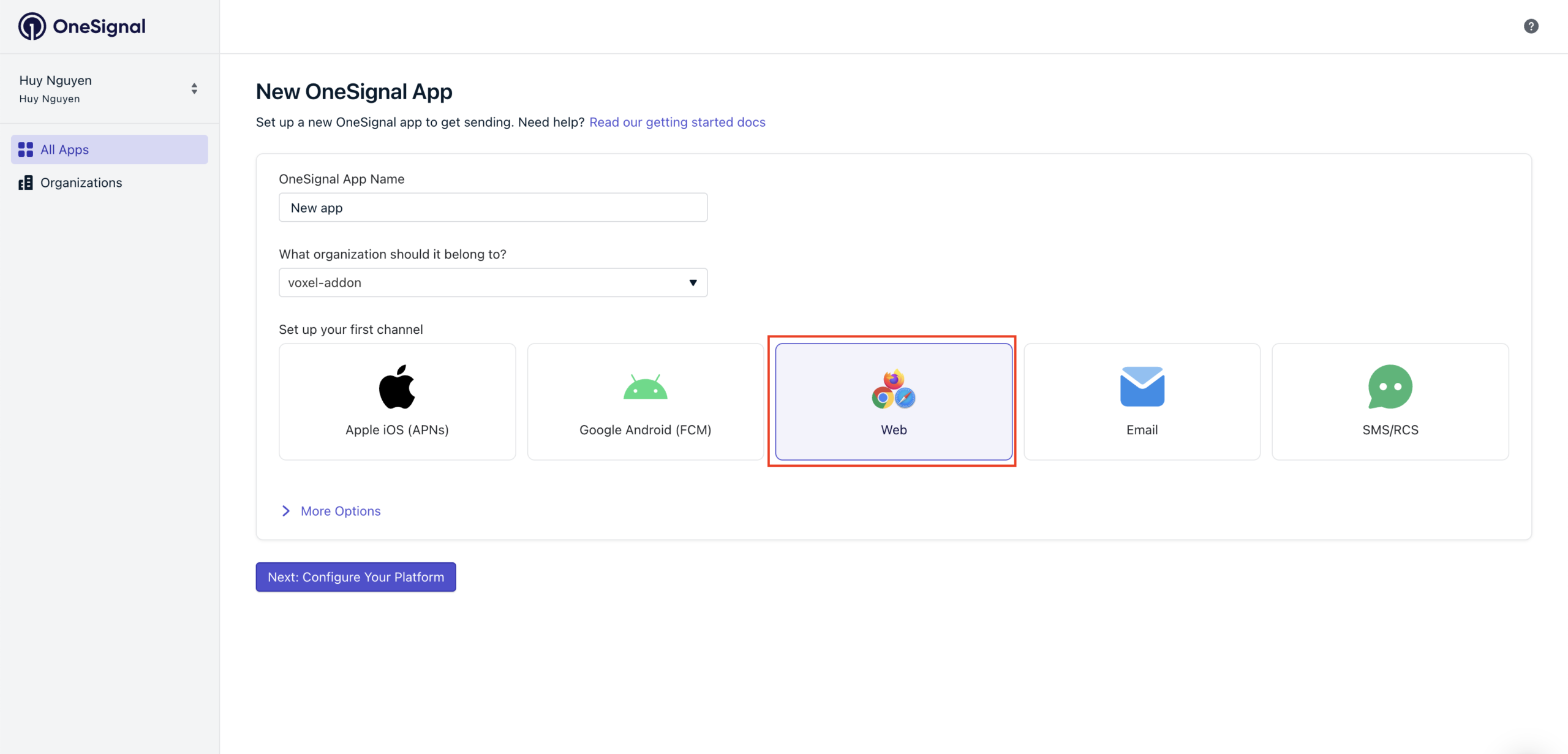
1. Create a OneSignal account
First, create a OneSignal account. Then go to:
https://dashboard.onesignal.com/apps and create a new app.
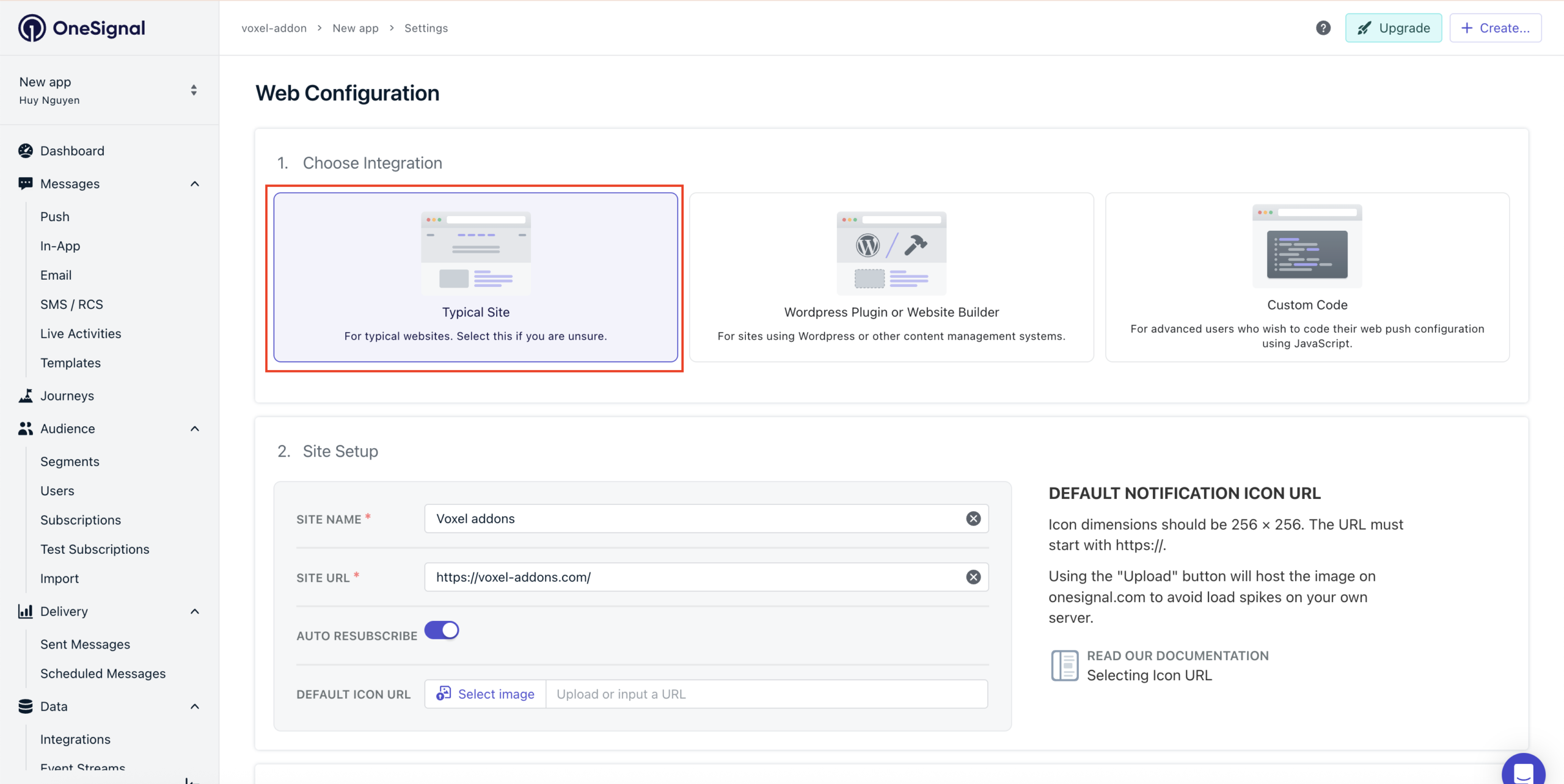
Select Web App.
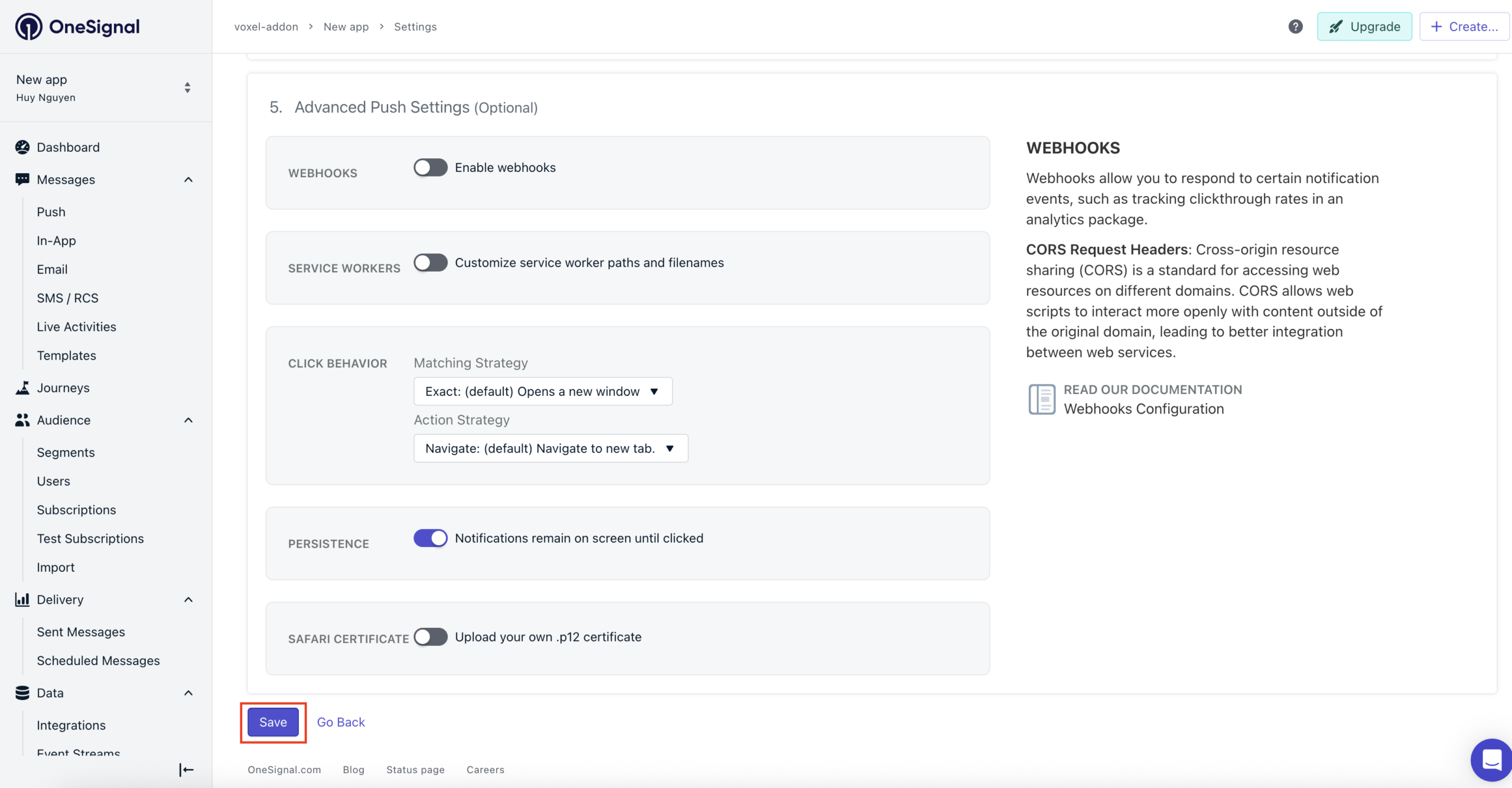
Choose Typical Site, fill in the required information, and click Save.
3. Get the App ID
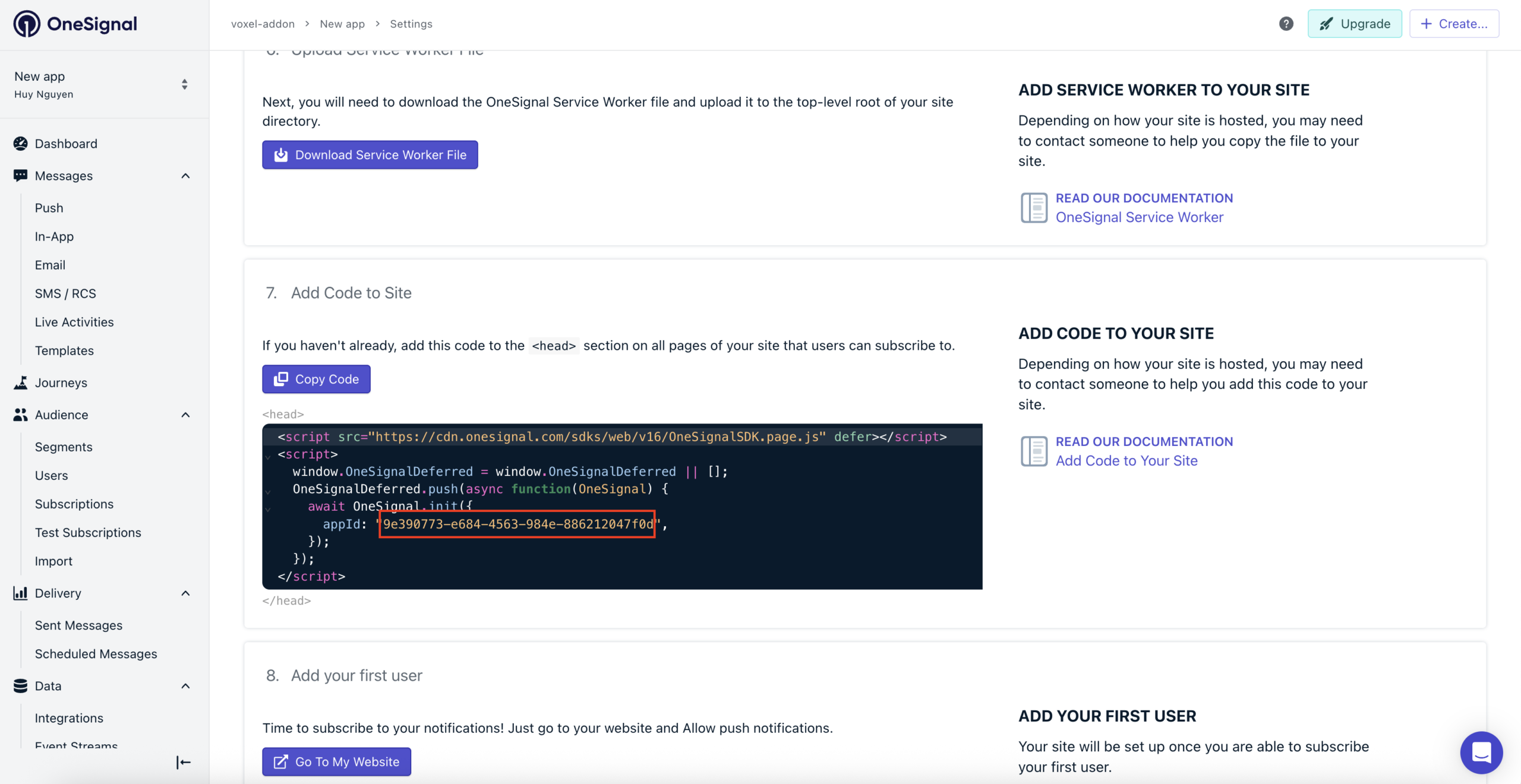
On the next screen, you do not need to copy the setup files, because EA4V already handles this integration.
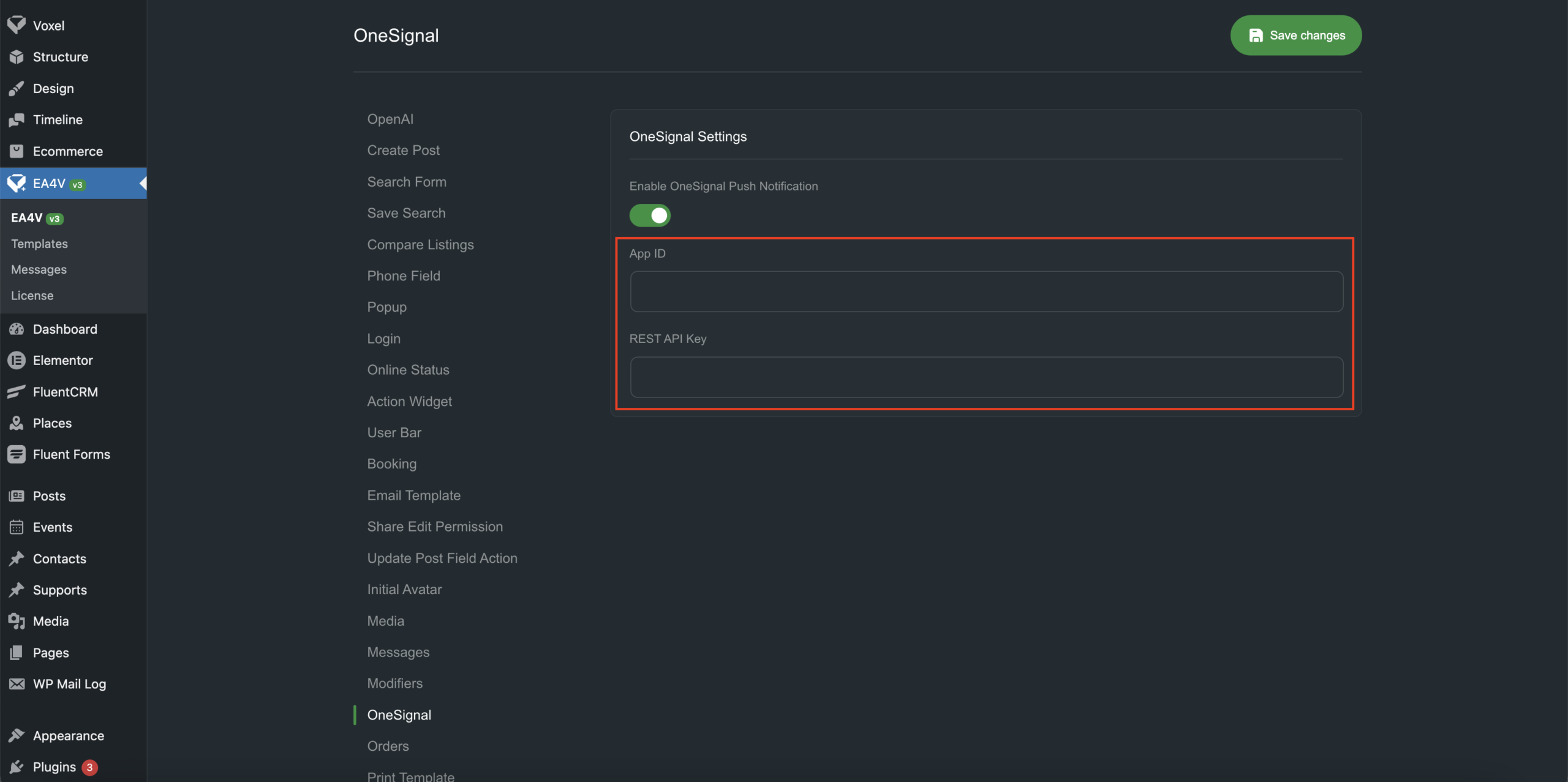
You only need to copy the App ID and paste it into the EA4V settings.
4. Get the API Key
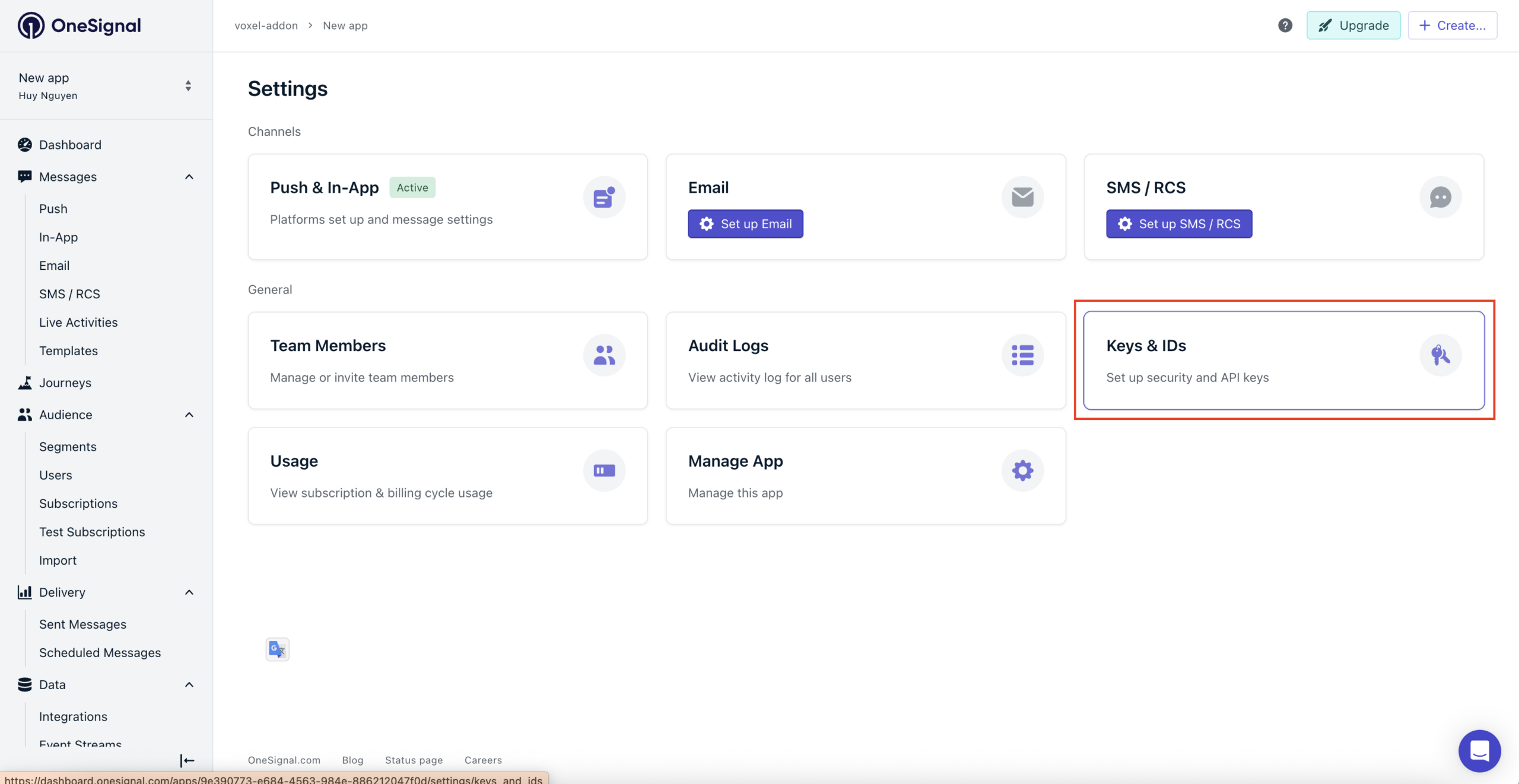
Next, go to Keys & IDs.
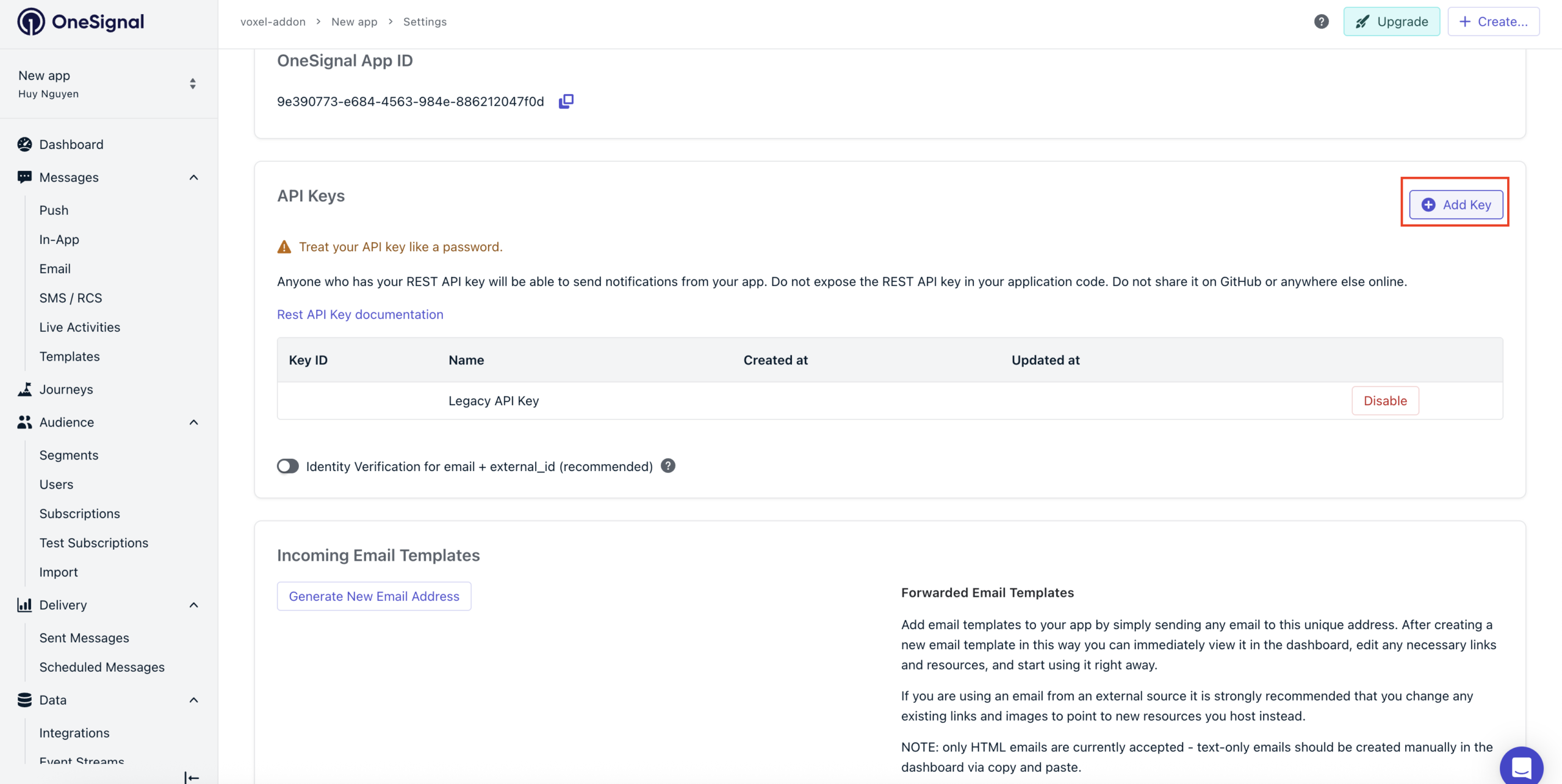
Click Add Key
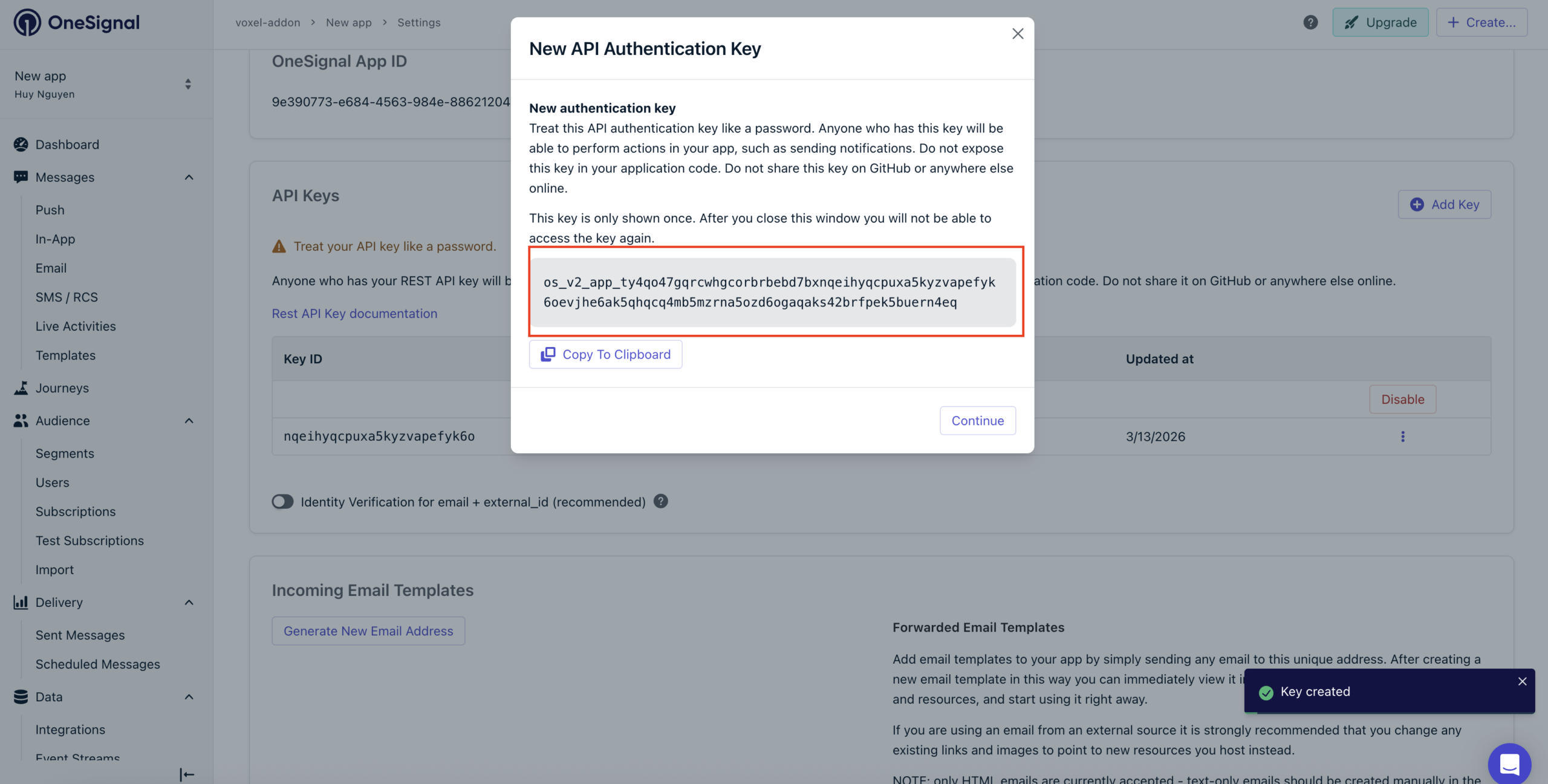
Enter a name for the key
Copy the generated API Key and paste it into the EA4V settings
After that, your web push notifications will be ready to work with Voxel in-app events.