Compare Listings is a feature that allows you to add posts to a list and compare their field values. You can also create and save multiple comparison lists and share those comparison lists with others.
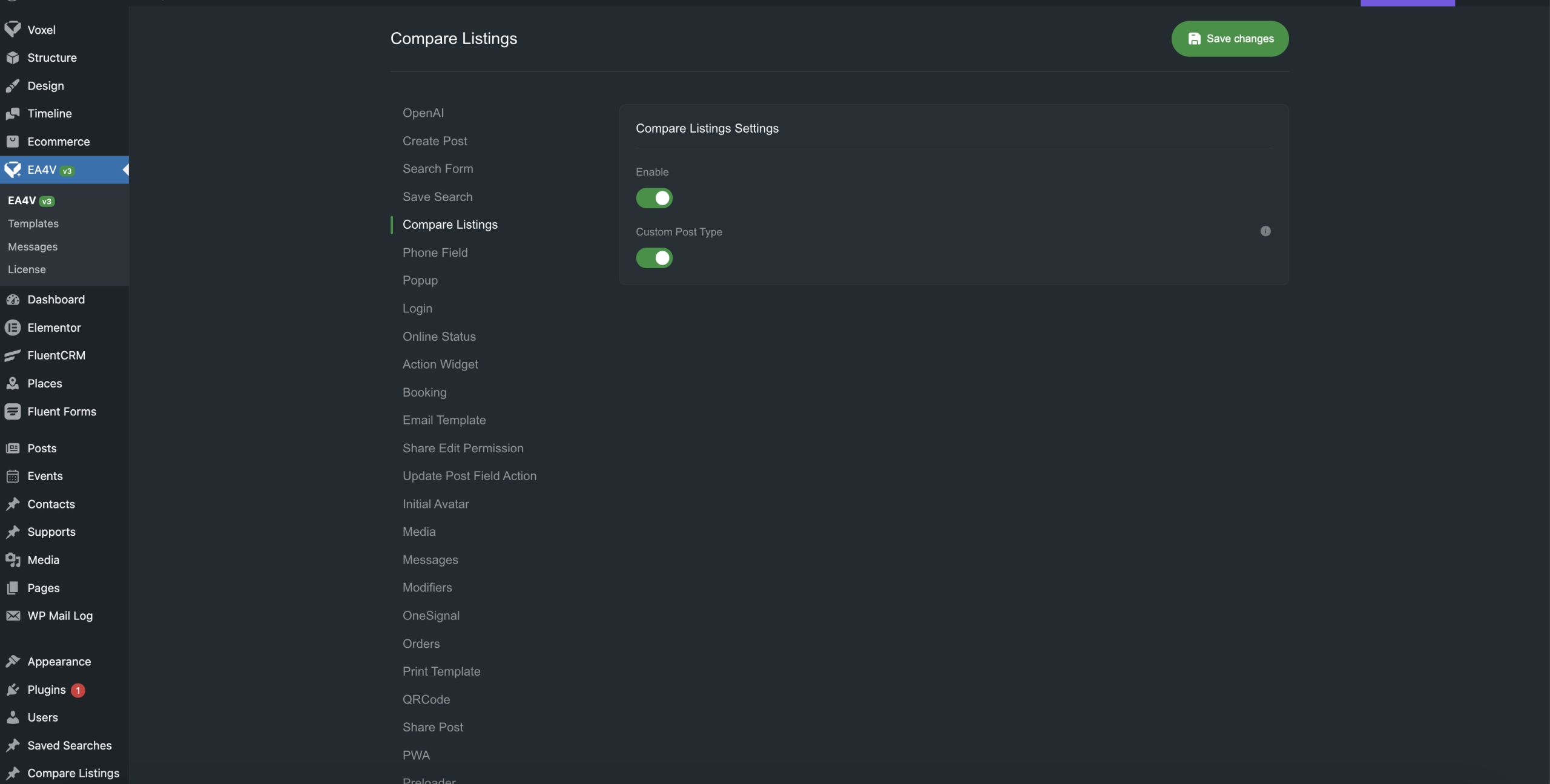
Compare Listing Action
Place the Action widget in the card template or anywhere on the page to allow users to add the current post to the comparison list.

Compare Listing Widget
Compare Listing Widget is a widget that displays the comparison list. You can configure it to support specific post types, select the fields for each post type, and place this widget on any page or inside a popup.

Share compare listing
This feature allows you to create a quick link that users can use to share their comparison list.
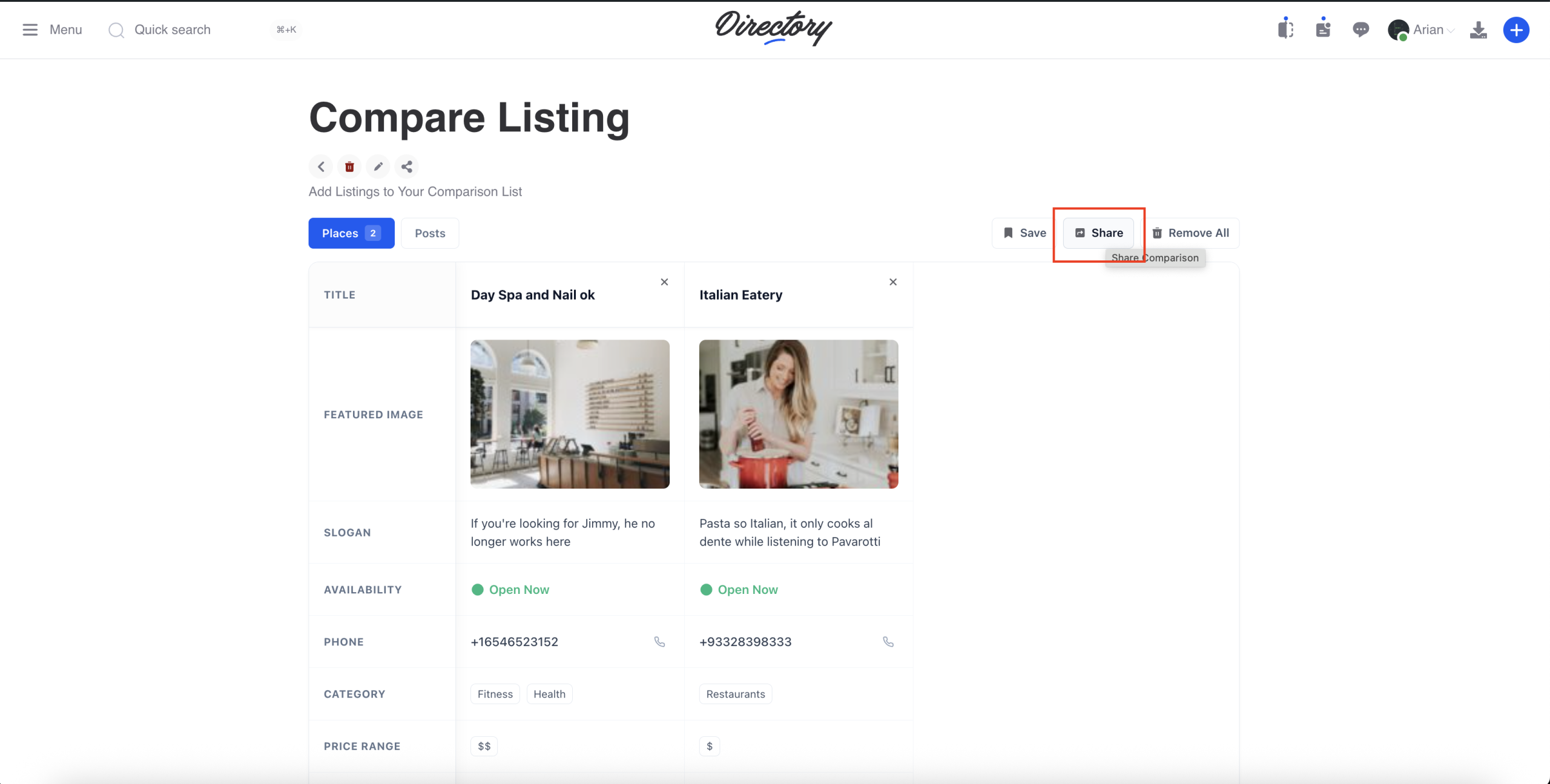
Compare Listing User Bar
Add the Compare Listing User Bar to the header or footer so users can open the comparison list.

When there are posts in the comparison list, a colored dot indicator will appear to notify users.
The admin can choose whether the comparison list opens in a popup or a page.
Open popup
To open it in a popup, you need to create a Global Popup and enter the popup ID in the User Bar component settings.
Go to EA4V > Templates > Global and create a new Global Template.
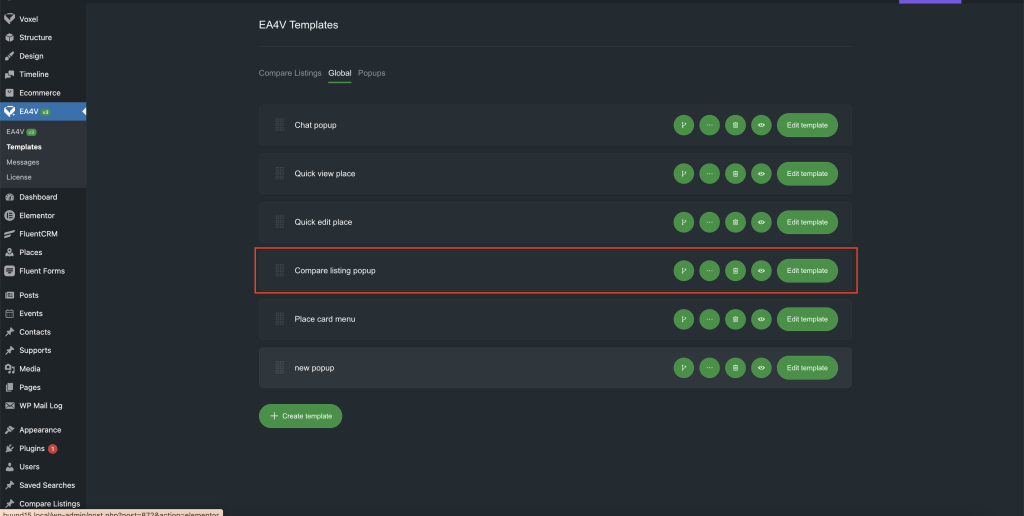
Add a popup to the Global Template and copy its ID, then enter it in the User Bar settings (as shown in the previous image).

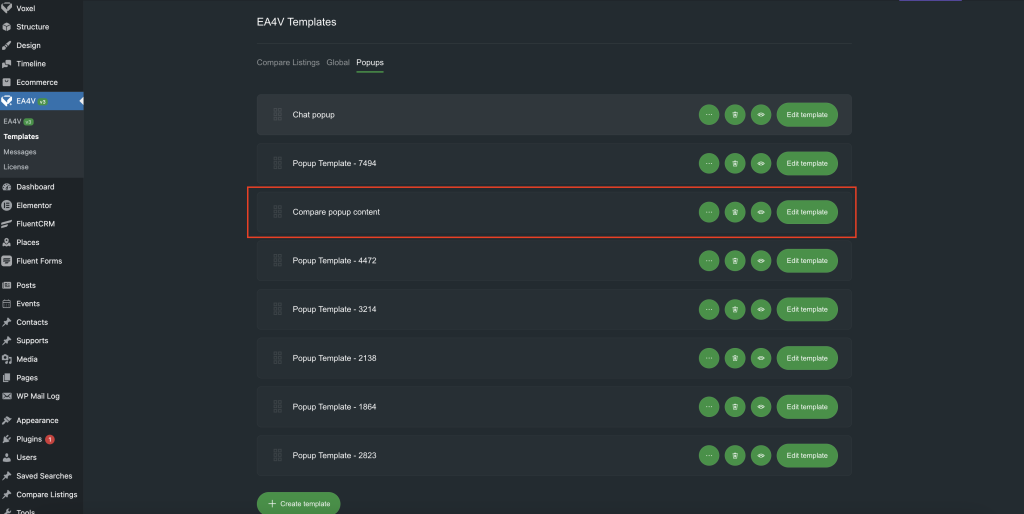
Similarly, add the Compare Listing widget to the popup content.
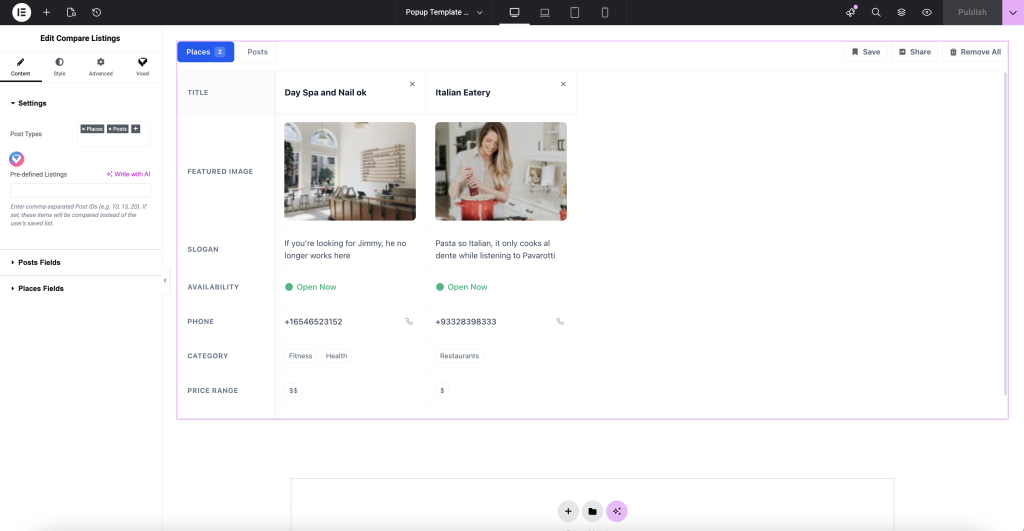
Go to page
If Page is selected, it will automatically redirect to the Compare Listing template created in EA4V Templates.
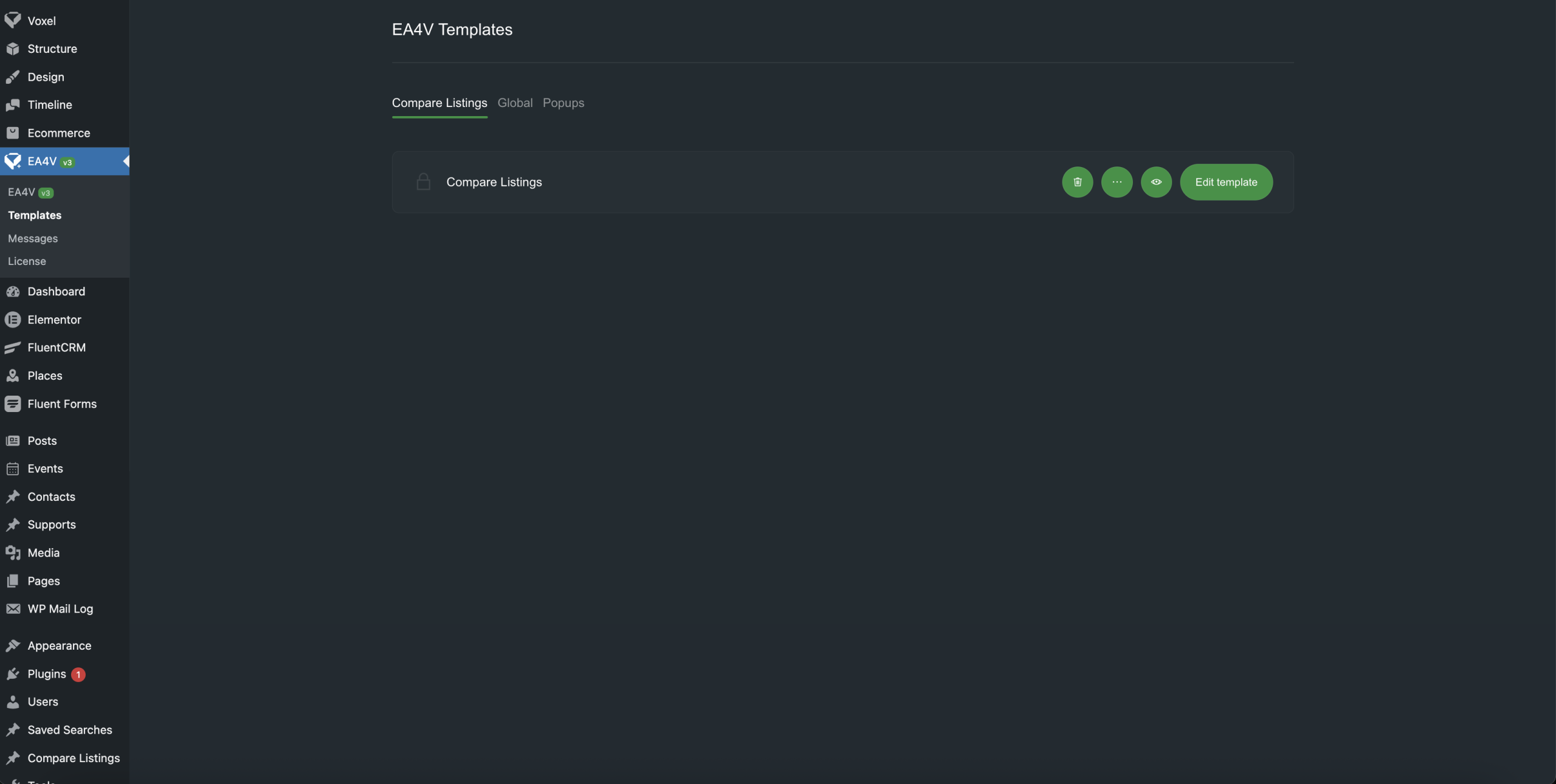
Similar to the popup, add a Compare Listing widget to the page and design it as you like.

Compare Listing CPT
This feature allows users to save their comparison lists so they can keep them for later reference or share them with others.
When this feature is enabled, a Compare Listing CPT will be automatically created. Similar to other Voxel CPTs, you will need to create the required templates: Single Post, Card, Create, and Archive.
You can also configure submit limitations to limit the number of posts a user can create.
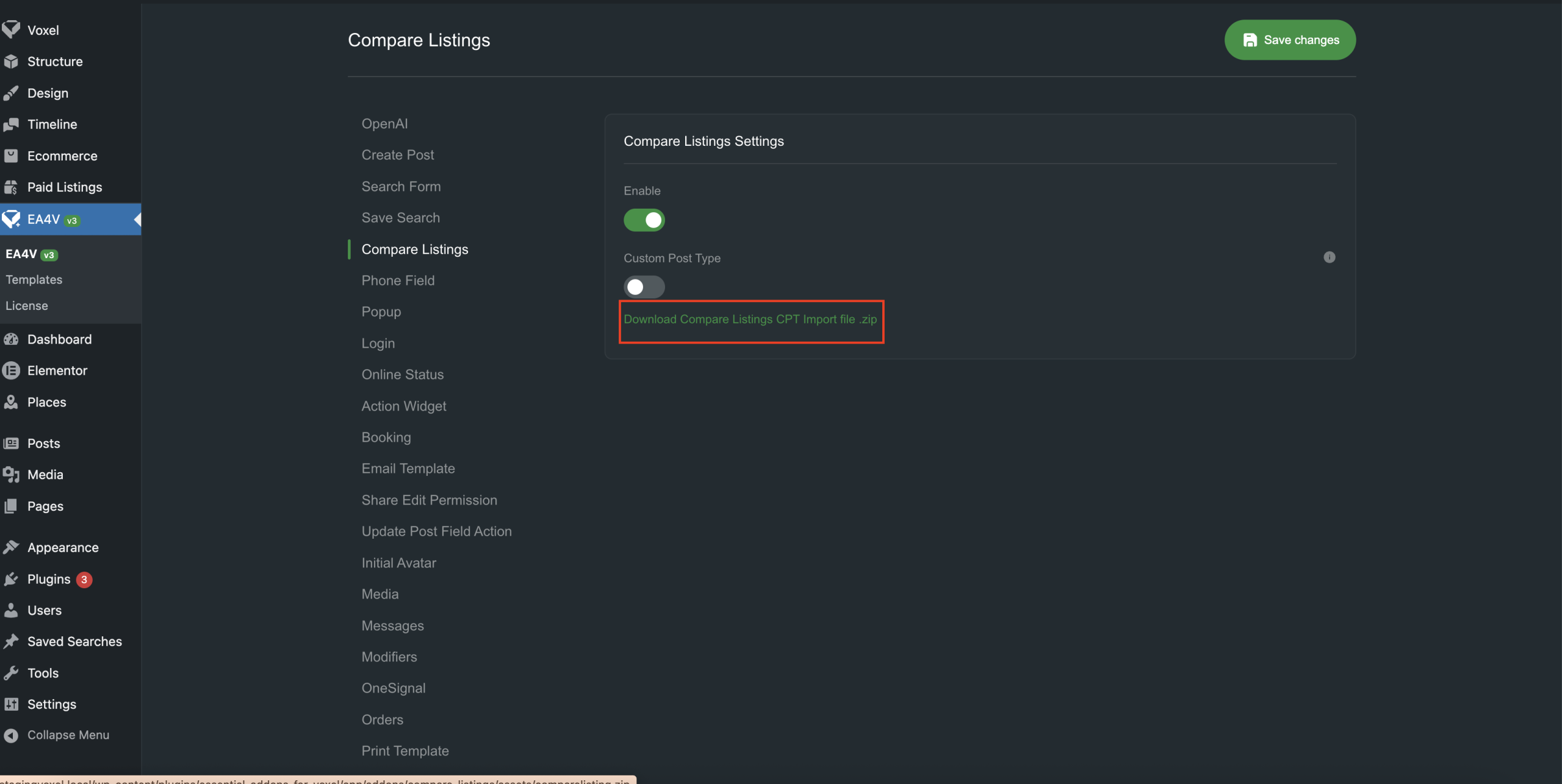

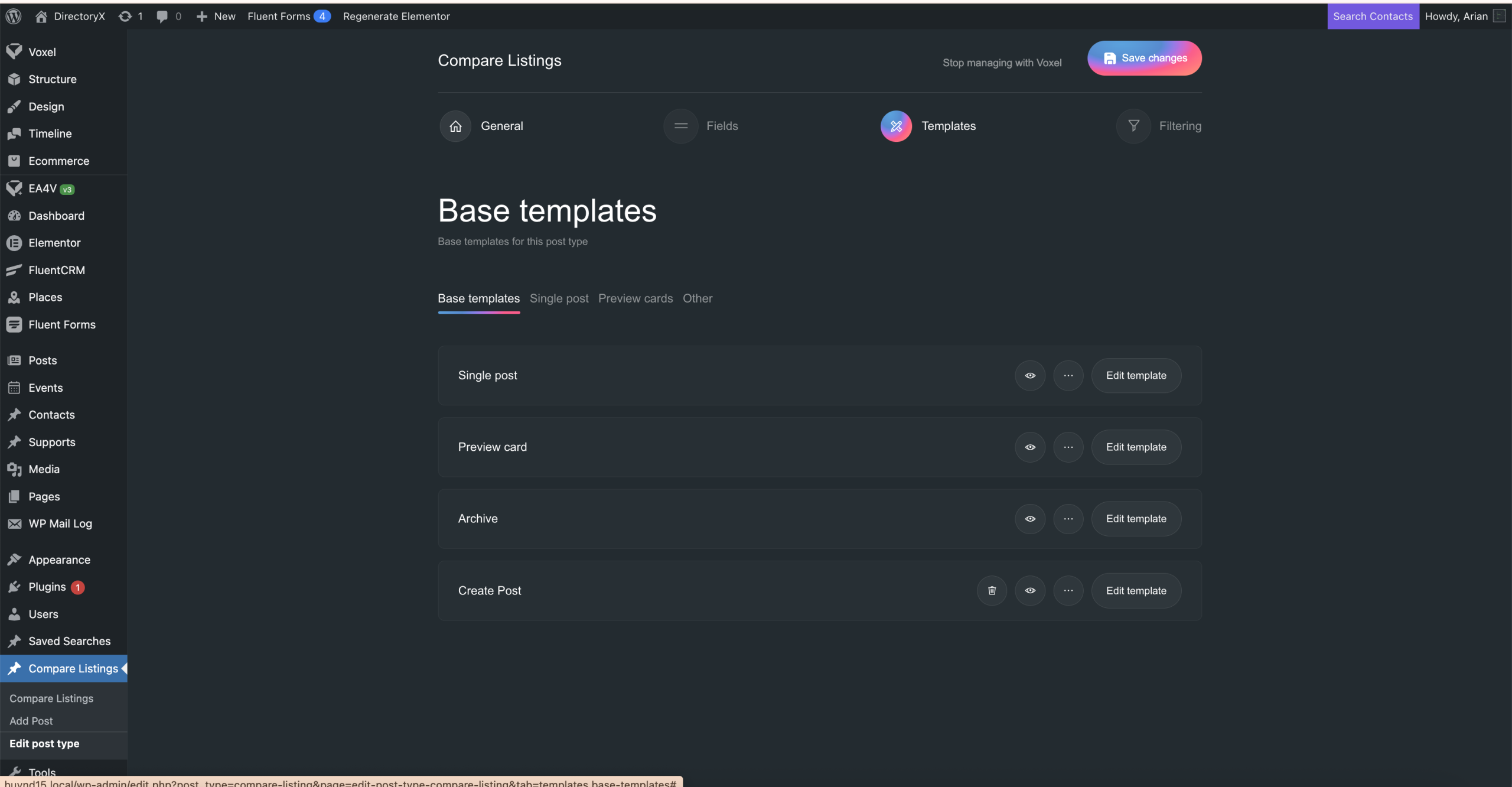
Single Post Template
A Single Compare Listing will display the list of items included in that post. Add a Compare Listing widget and set the predefined value to:
@post(items.id).list()

Create Post
Add a Create Post widget with the CPT set to Compare Listing so users can edit a comparison list they have saved.

Card

Archive
Display the list of saved comparison lists using a Search Form.
