The Save Search addon allows users to save a search form with its selected filters and receive notifications when new posts match the search criteria.
Save search CPT
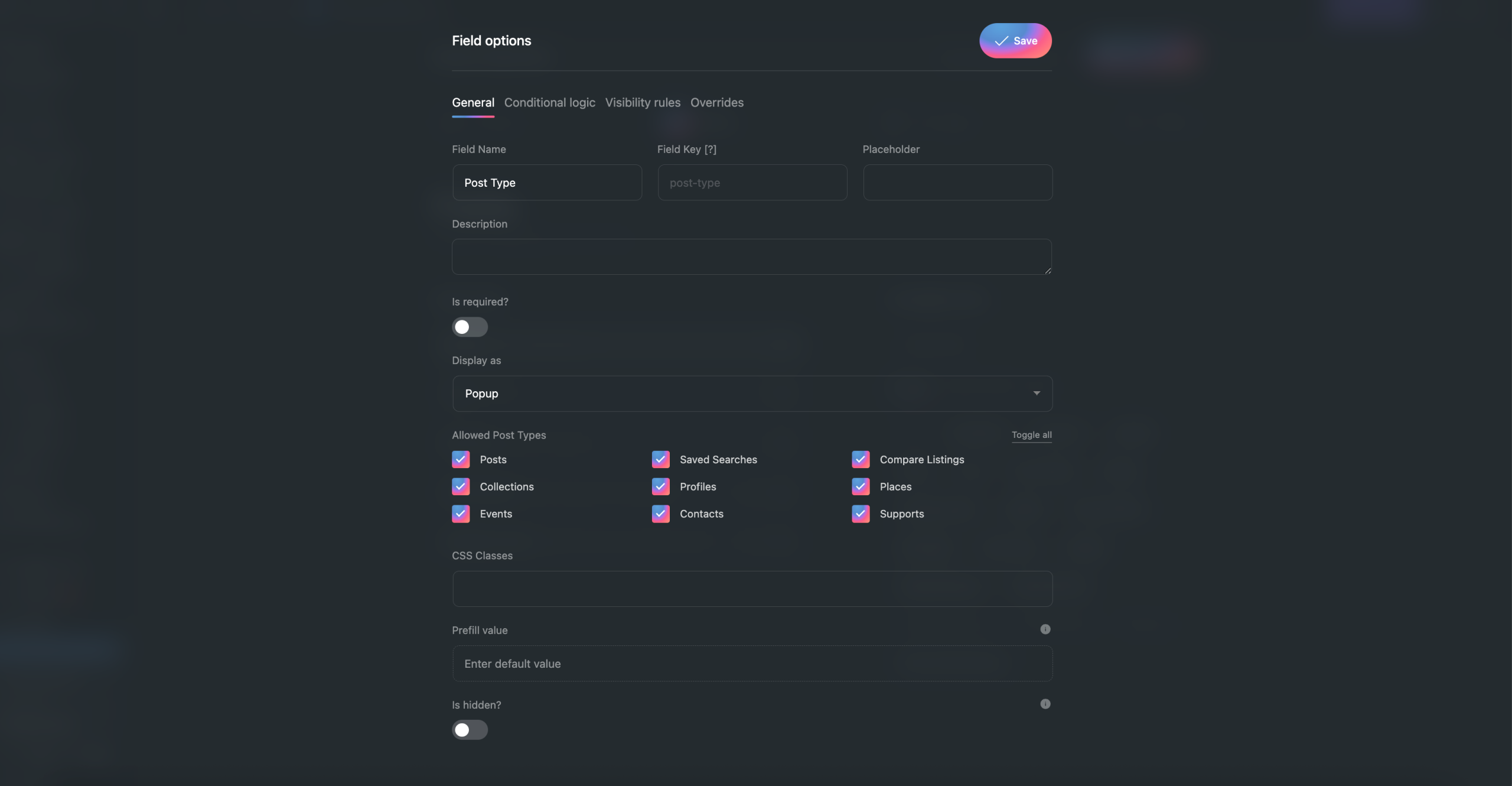
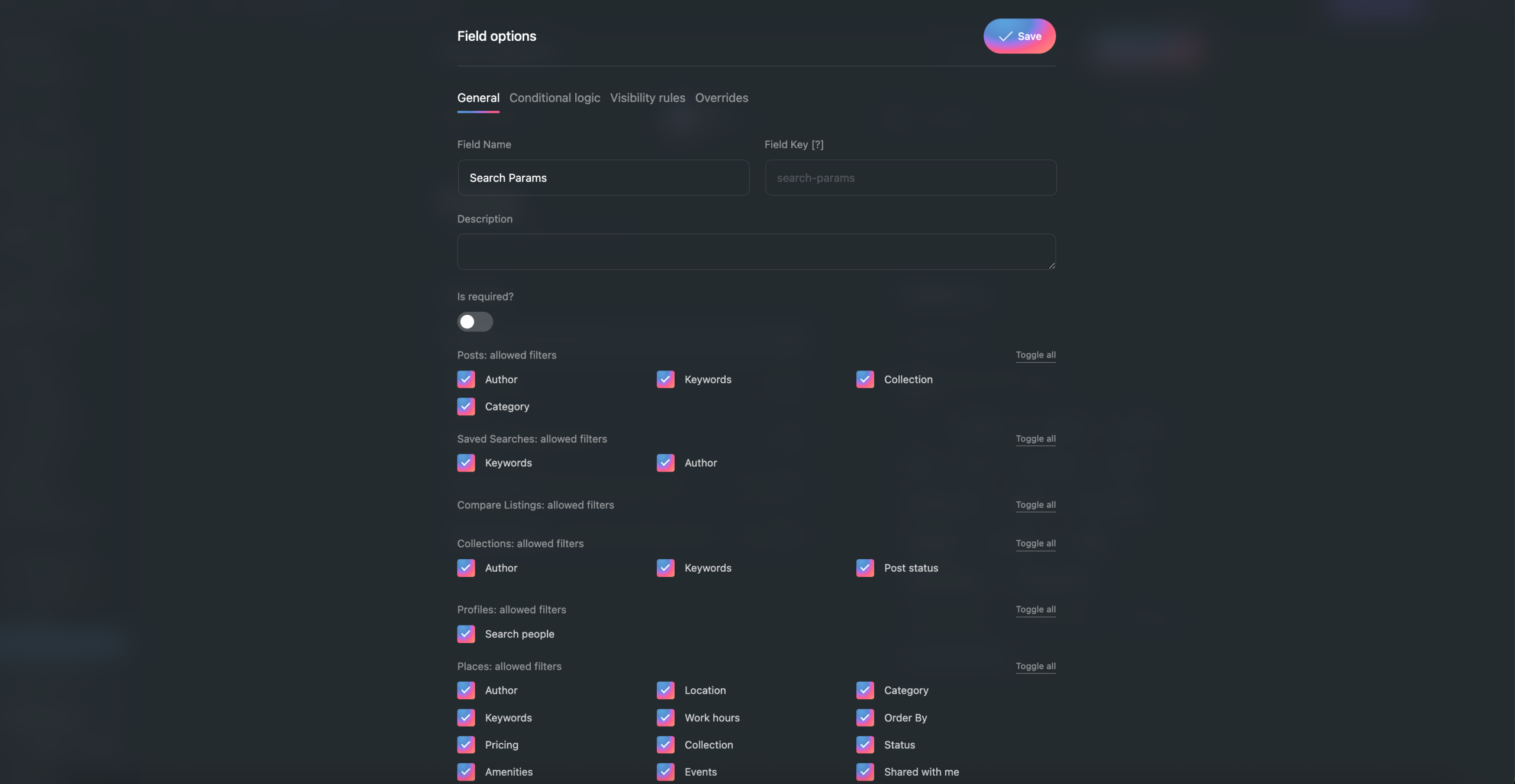
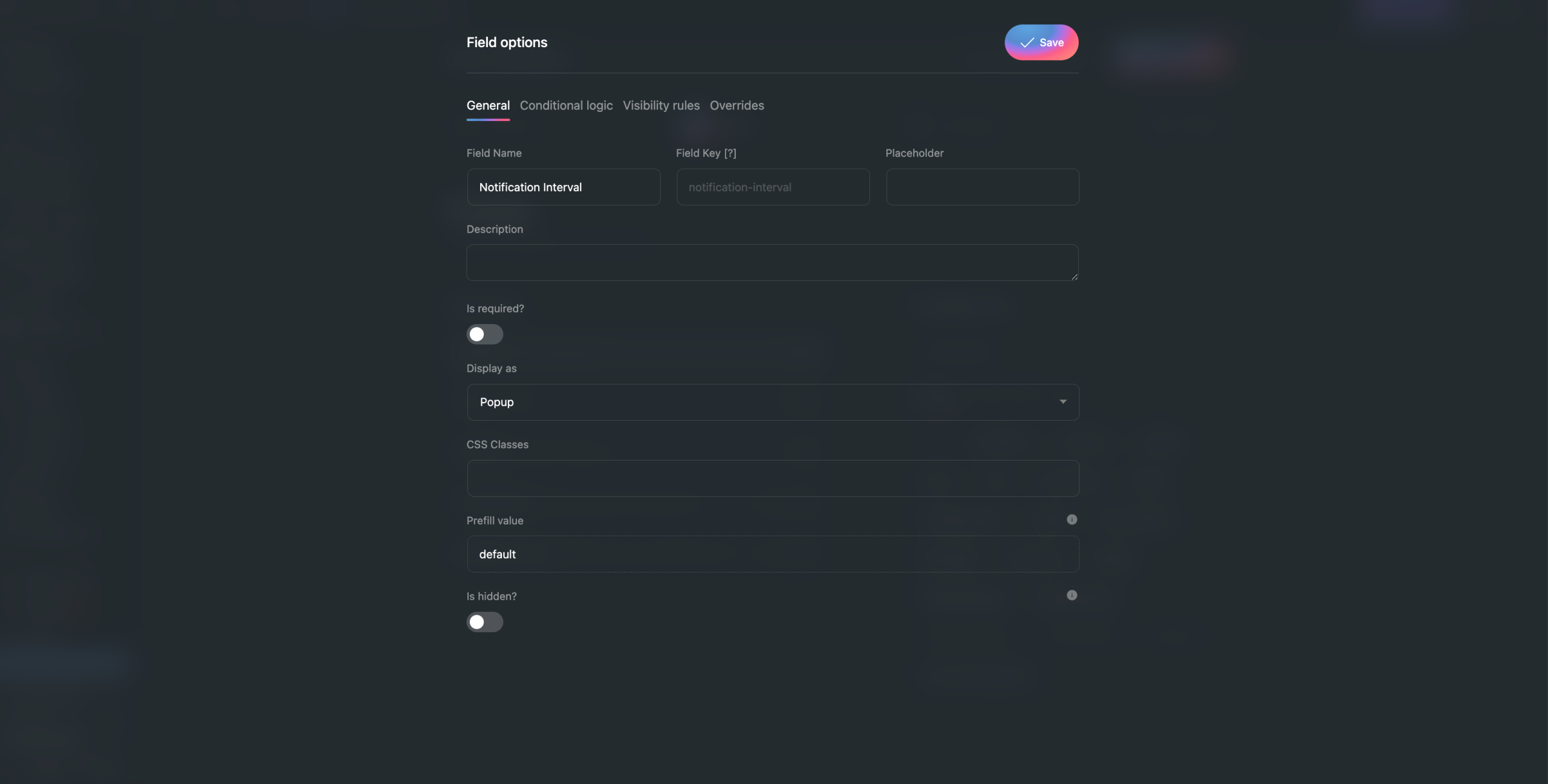
By default, when this addon is enabled, EA4V will create a Save Search CPT with fields that support the save search feature:
Post Type: Select the post type for the saved search.
Search Params: Displays the list of filters for each post type that are allowed to appear on the frontend.
Notification Interval: Set the notification frequency (hourly, daily, weekly, or monthly).


Since Save Search is a CPT, you will need to design templates for this CPT:
Archive template
Displays the list of saved searches created by the user.
Single Post
You can place a Post Feed and Search Form to display the list of posts that match the saved search filters.

EA4V provides Dynamic Tags and Modifiers that allow you to retrieve the values of filters stored in Save Search and pass them into the Search Form.

Card template
The Save Search card layout.
Create Post Template
Allows users to edit and modify the filters of a saved search.

Save Search Action
On the search page, you can add the Save Search Action and enter the Search Form ID to connect it and allow users to save a search.


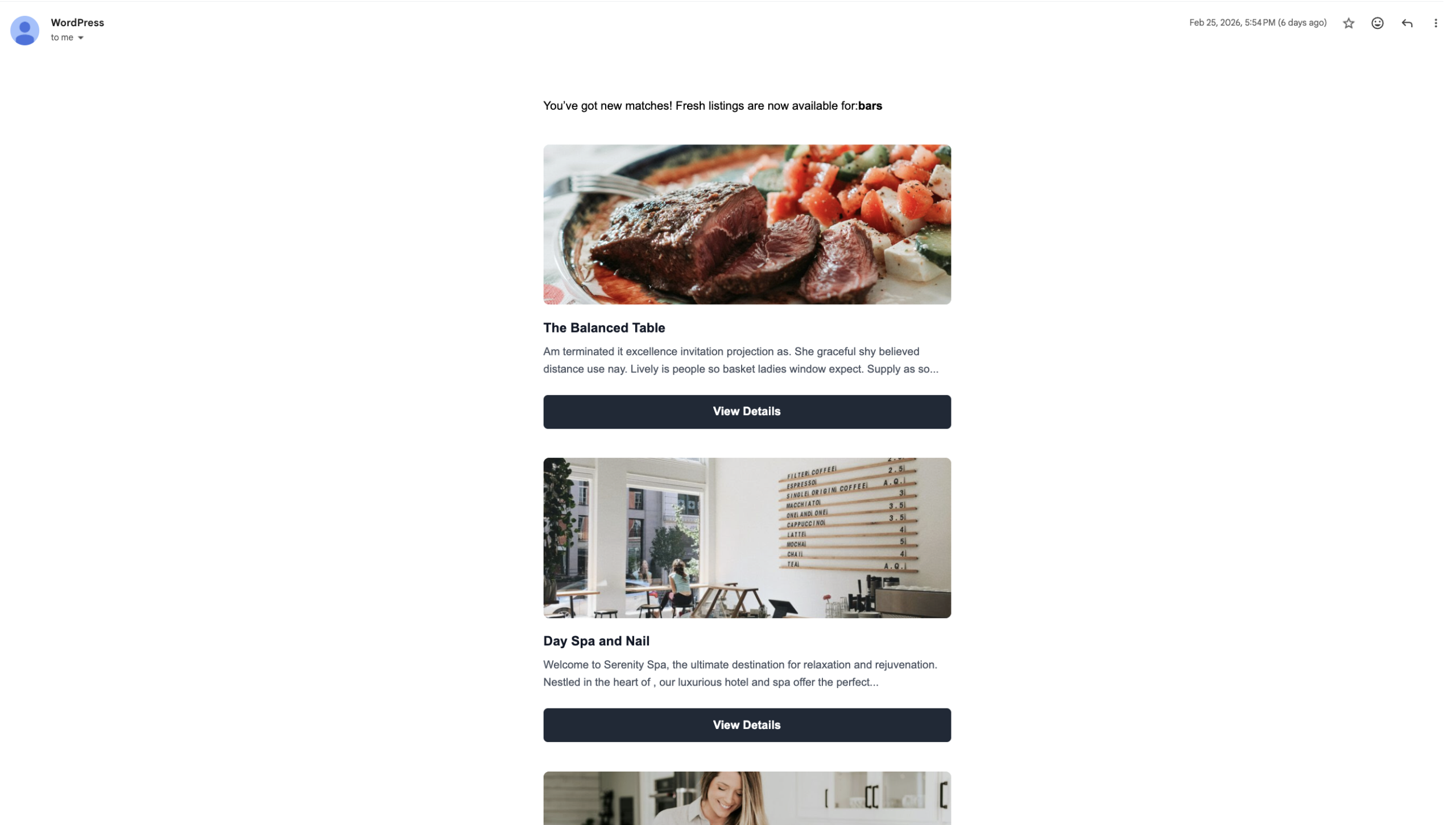
Email template
App events
You can enable, disable, and customize the app events for each post type in Save Search.

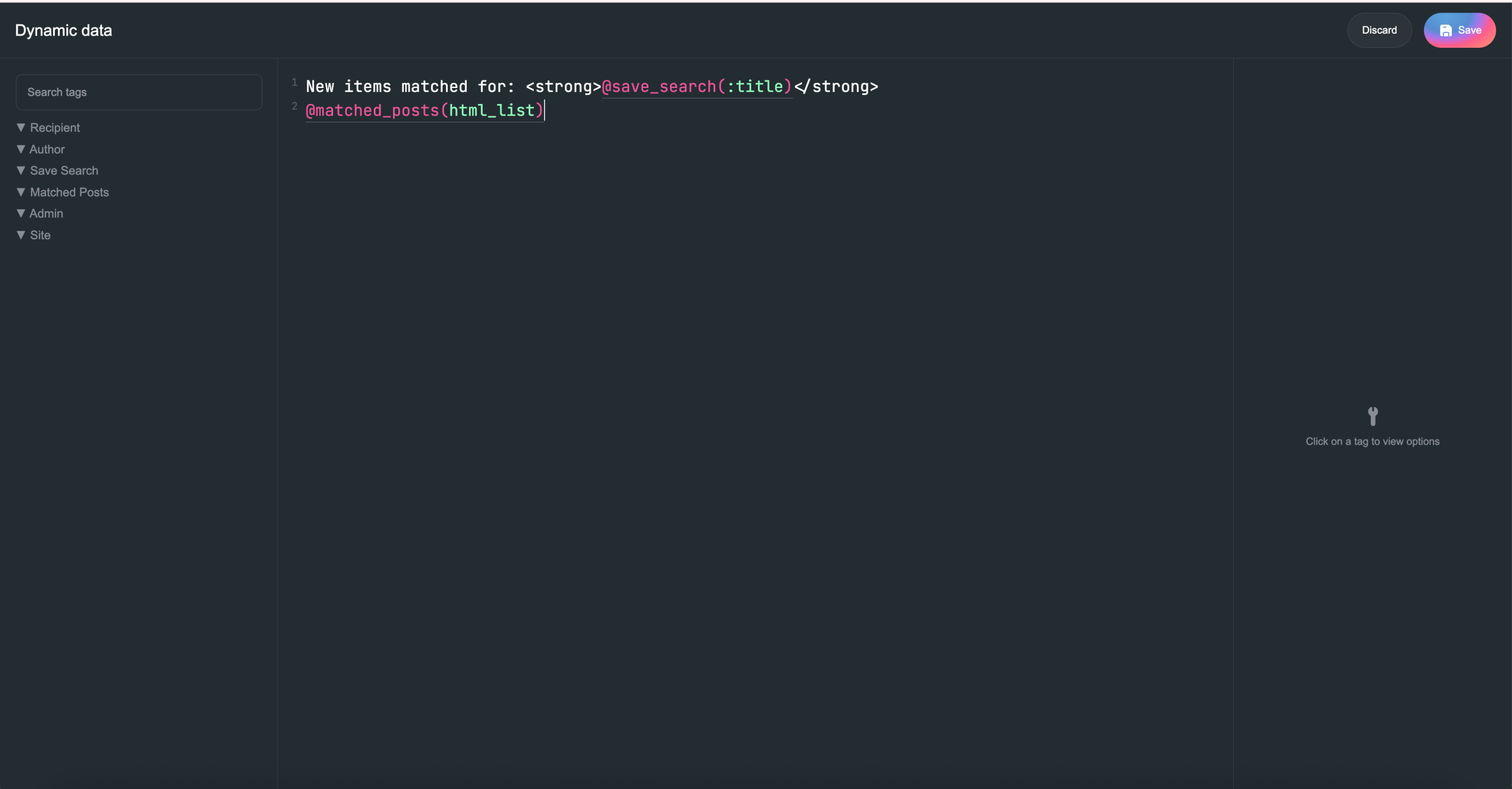
The Matched Posts dynamic data allows you to display the list of matched posts within the email content.
Notification Interval field
The Notification Interval (hourly, daily, weekly, monthly) is configured in the EA4V backend to allow users to control how they receive notifications for each Save Search and within the Profile CPT.
It follows this priority order:
Notification Interval set in the Save Search
If set to Default, it will use the Notification Interval from the Profile
If the Profile is also set to Default, it will fall back to the EA4V global settings


