The Search Form is an addon that adds additional widget controls to the Voxel Search Form and extra filters to the CPT configuration.
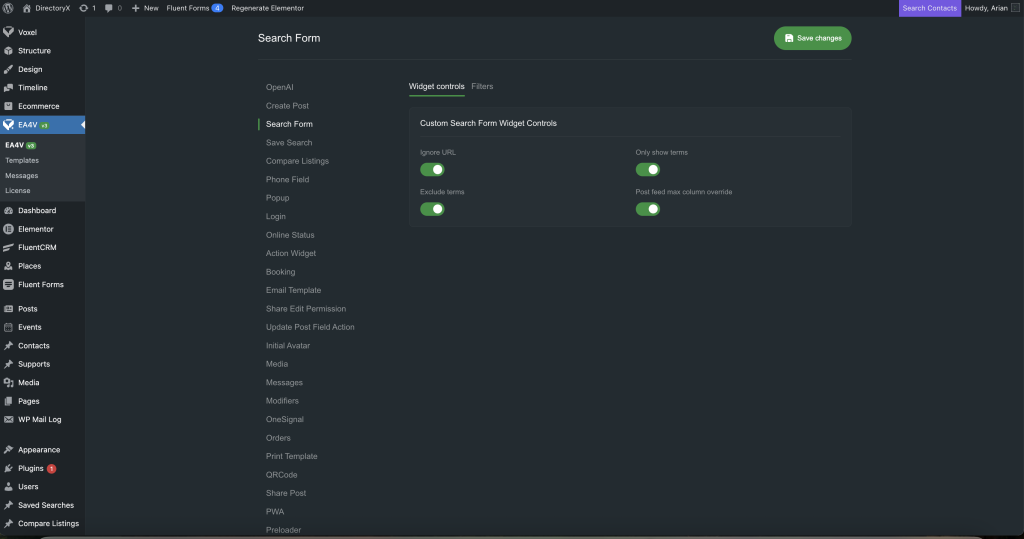
Widget Controls
To use the Widget Controls from this addon, you need to enable them in the settings and activate the feature for each Elementor Search Form widget individually.
Ignore URL
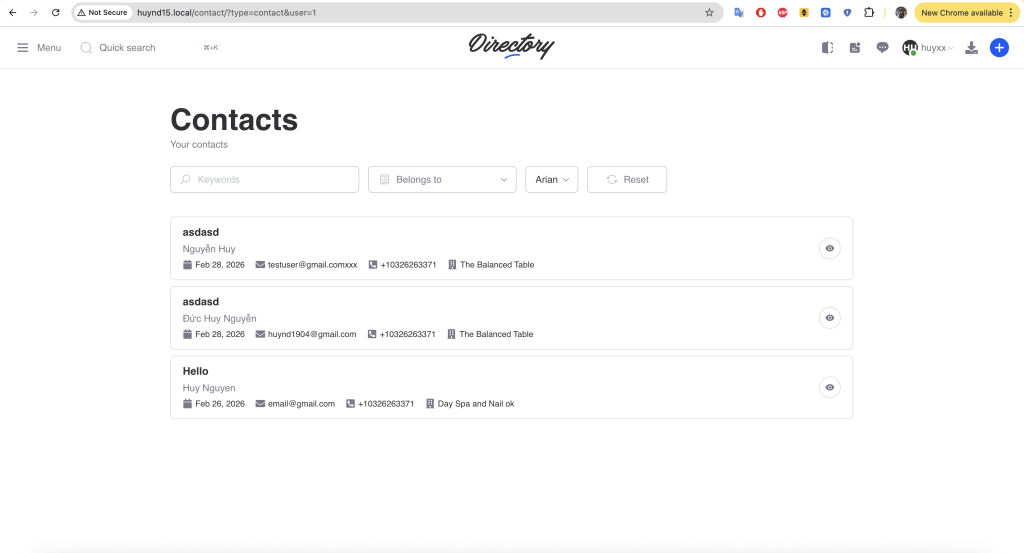
When using the Voxel Search Form, even if you hide a filter (for example, loading the list of Contact CPT posts for the current user ID), users can still manually change the user_id parameter in the browser address bar and press Enter to load another user’s contact list.
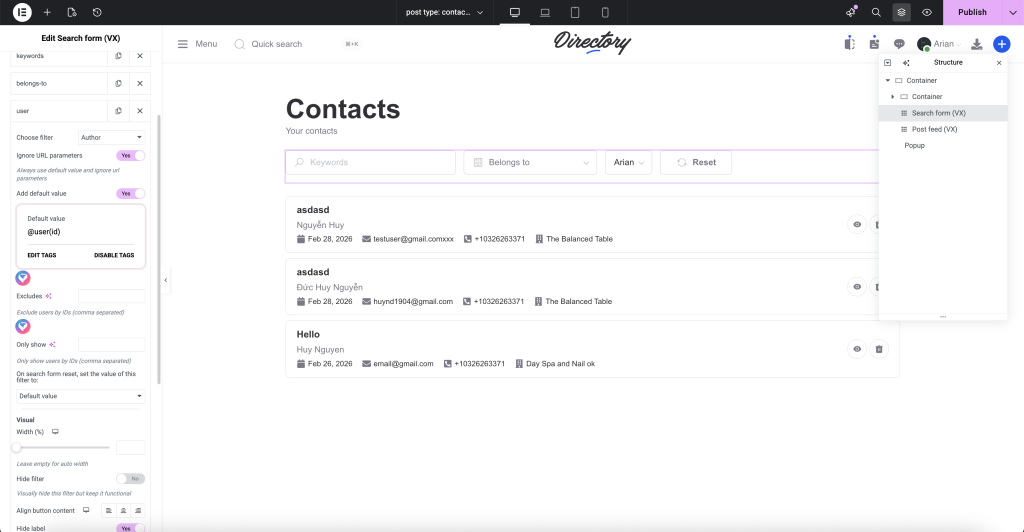
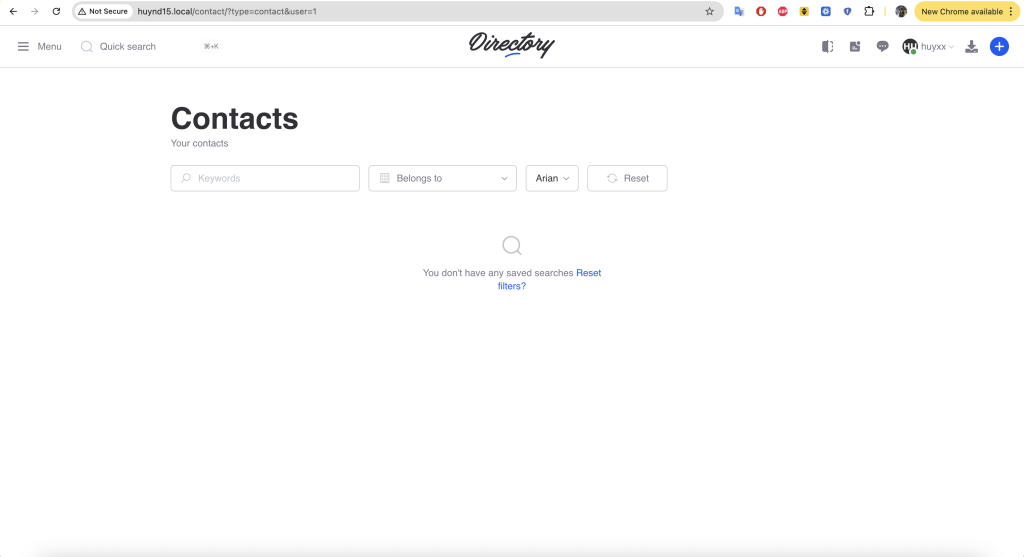
The Ignore URL feature ensures that the search form will always load the default field value and ignore URL parameters.
Before: user 2 loading contacts of user id 1
Elementor: enable ignore url
After: user 2 can not load post of user 1
Only show terms
This Setting Control allows you to display only a selected list of specific terms instead of loading all terms.
Use case: On a Terms page, you may want the filter to display only the child terms instead of the entire list.
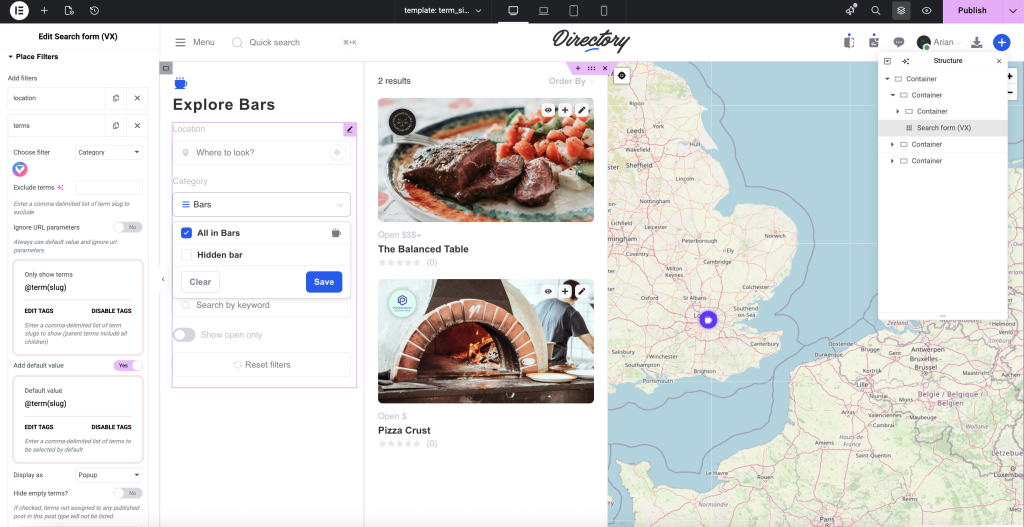
Exclude terms
Exclude Terms allows you to remove specific terms from the list.
Post feed max column override
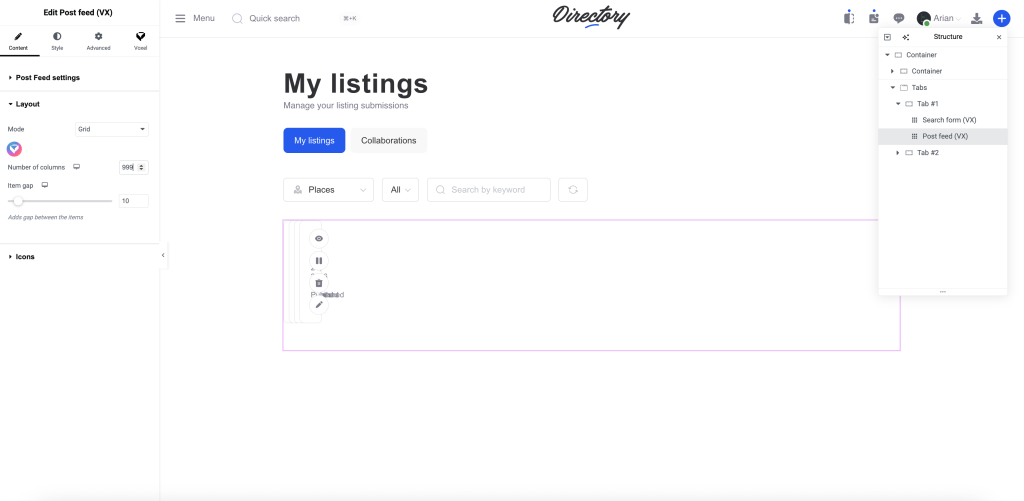
By default, the Number of Columns in the Voxel Post Feed widget is limited to 6. If you have a special use case, this feature allows you to extend the Number of Columns up to 999.
Use case: Displaying a long list of user avatars.
Filters
Post Relation Filter
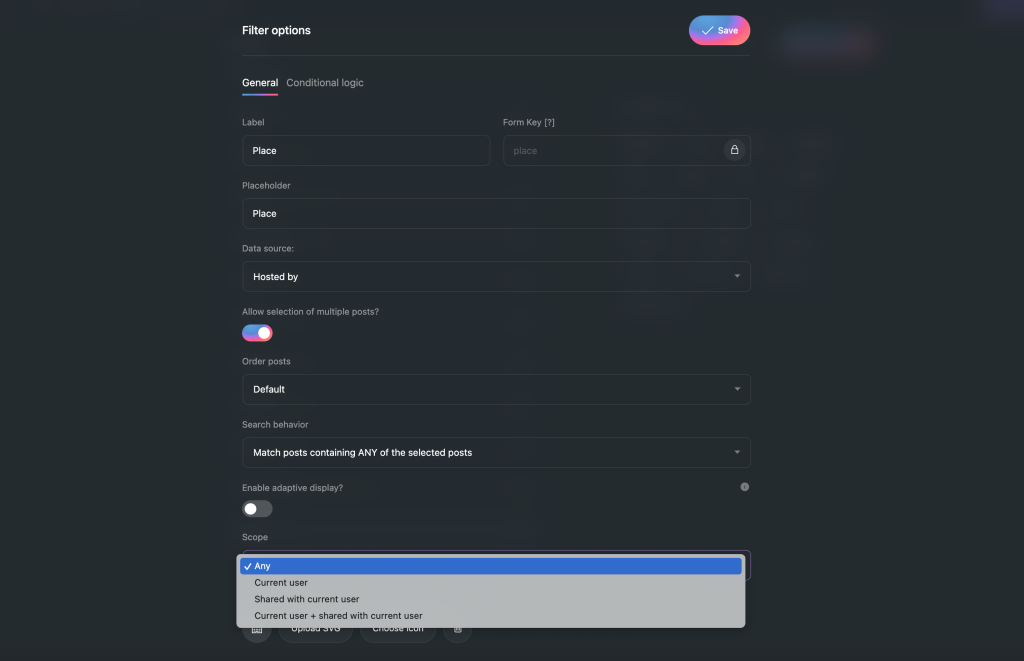
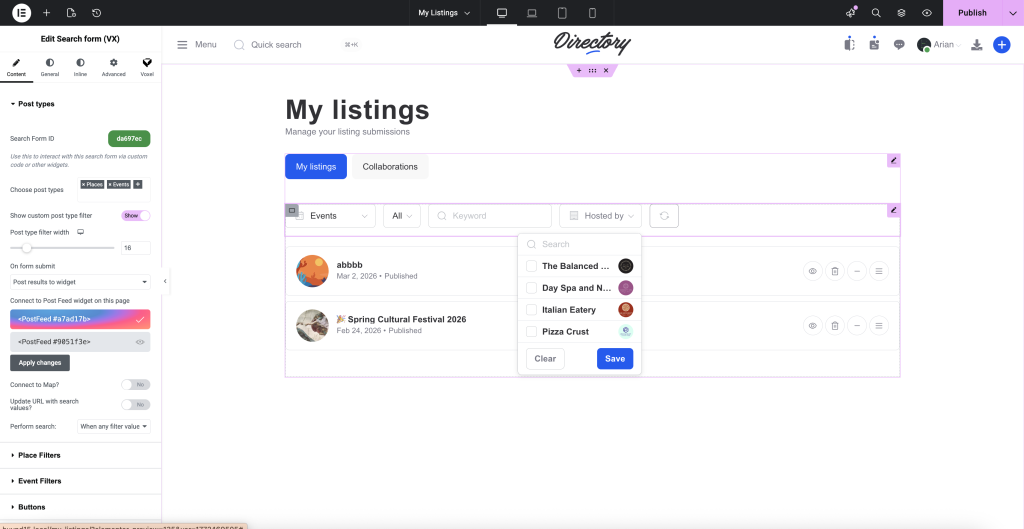
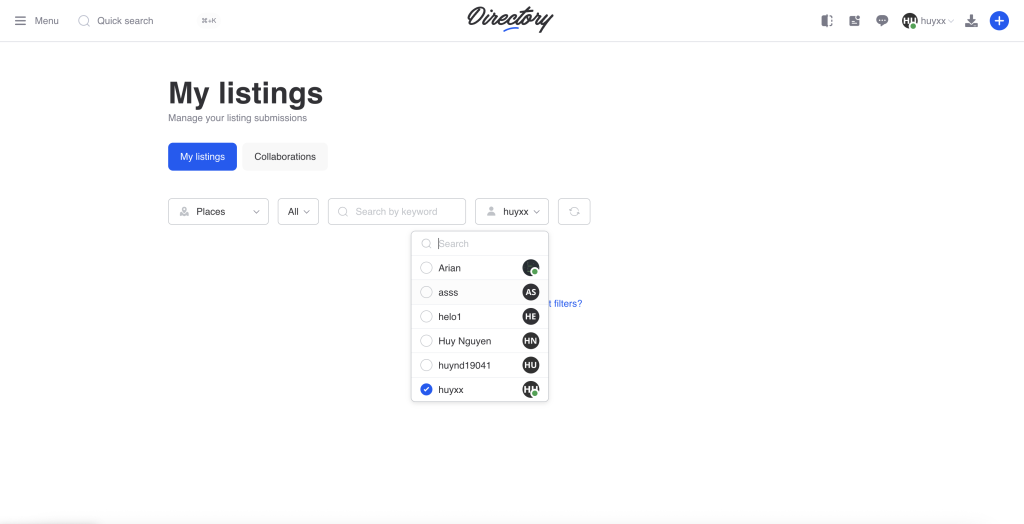
User Filter
Similar to Post Relation, the User Filter allows you to display a list of users instead of being hidden by default.
Use case: Creating a dashboard for admins.
Post In Filter
Post In Filter allows you to load a specific list of post IDs into the Post Feed.