🚀 EA4V v3 is officially here!
After 4 months of non-stop development, EA4V v3 brings major improvements to all existing features and powerful new upgrades.
OpenAI
• API Key Field (users can enter their own API key)
• Admin Budget Management
• Usage Tracking Settings
Create Post
• Live Preview completely rebuilt
• Improved Actions After Submit (with email verification)
• Improved Post Relation Field Card
• AI Auto Approve
Save Search
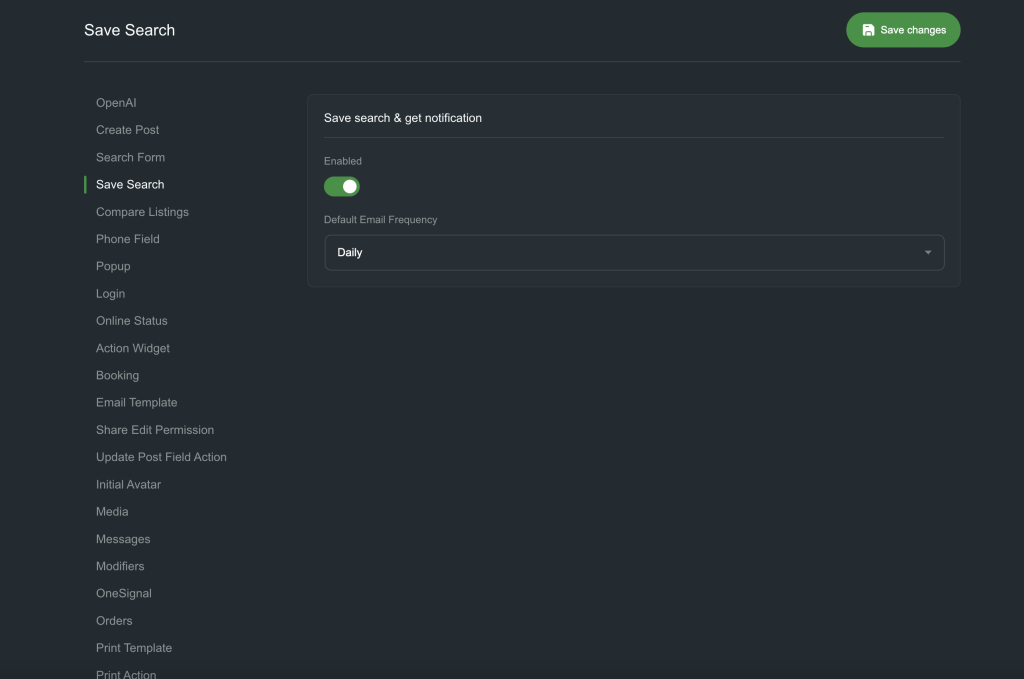
• Email Frequency
• Send email with matched post list
Compare Listings
• Create Compare Listings CPT to store multiple compare lists
Phone Field
• Global Settings (site-wide)
• Support for Register Form
Popup
• Bug fixes
• Add Action Open Popup
Email Template
• Support Dynamic Datas from email
• Design template for each email type
Print Template
• Upgraded widget
• Render template by Post ID
Preloader
• Create preload with condition
Admin Tools
• Safe Mode
• Error Log
This release represents 4 months of continuous hard work from Voxel Addons. If EA4V helps your project, please support us so we can keep improving it.
⚠️ Please do not take, modify, or resell our source code in any form.
Upgrading from EA4V v2 to EA4V v3 will require you to manually update certain widget elements. Please proceed with caution before updating.
Create Post
To enable a feature in Create Post, navigate to EA4V → Create Post and activate the desired feature. After that, go to Elementor and enable the corresponding control section.

EA4V settings will be updated automatically. However, please carefully review any Create Post widgets that were built using the previous EA4V Create Post version to ensure everything functions properly.

• The Live Preview feature has been rebuilt. Please make sure to use it from the Live Preview section within Create Post.
Popup
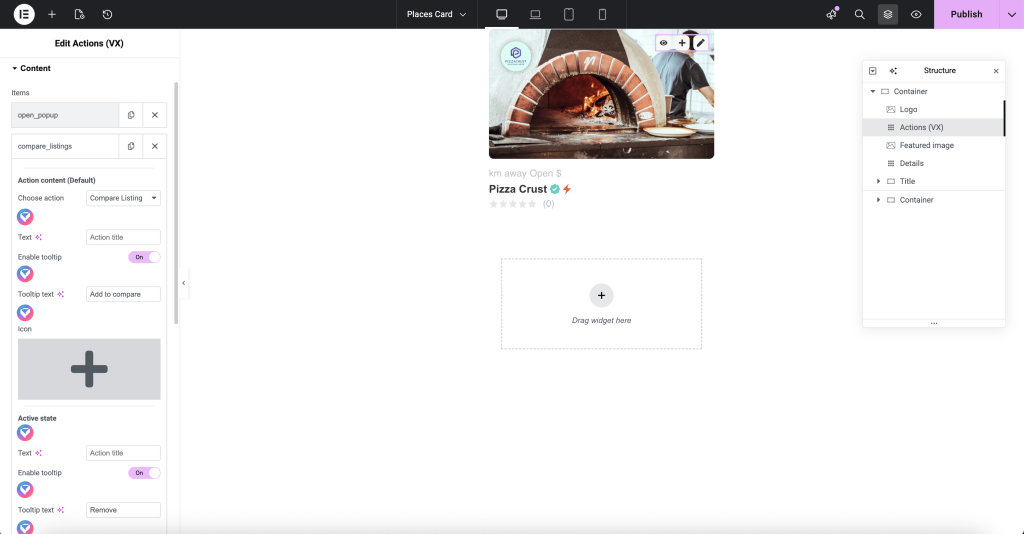
The Open Popup Button widget has been completely replaced by the Active option within the Voxel Action widget.
Therefore, please add the appropriate actions inside the Voxel Action widget to enable the popup functionality.

Compare listing
The Compare Listing Bar, buttons, and popup have been completely removed and replaced with the Compare Listing Action and Compare Listing User Bar components.

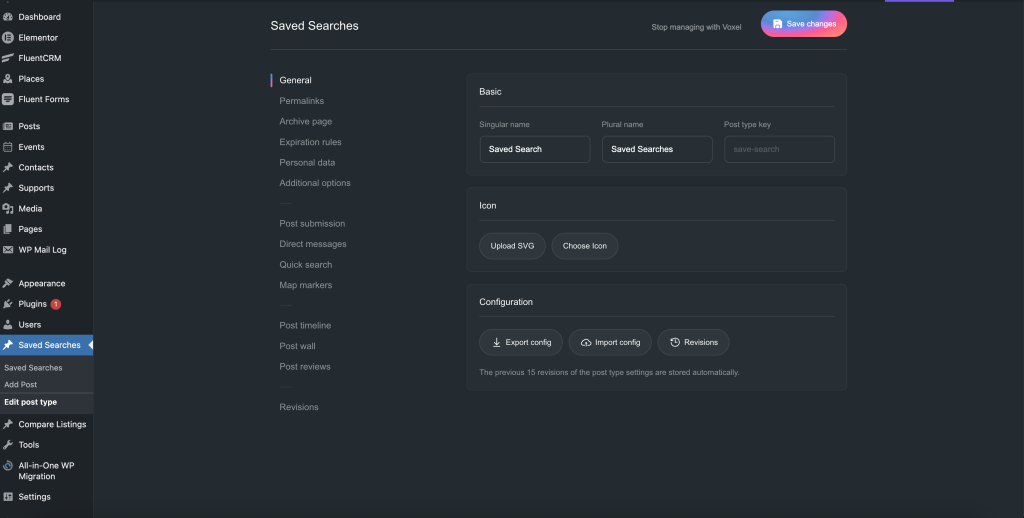
Save search
Save Search has been converted into a Custom Post Type (CPT). You can now design the Save Search card and single template using the Voxel Template system.
Please make sure to create the following templates for Save Search:
Create Post template
Card template
Archive template
Download-save-search-templates
The Add Save Search button is now implemented as an Action.


A new Dynamic Data field has been introduced to retrieve the list of matched posts for email notifications.
Phone Field
The Phone Field now includes Global Settings that apply across the entire website, including the Login Form.

Update Post Field Button
The Update Post Field button has been removed. Please replace it with the corresponding Action instead.

Email template
In v3, you can create email templates using Voxel for all system emails, as well as customize individual email events within Voxel Events.


Global template & popup template
In ea4v v3, you can create and manage global templates and popup templates in the same place.
