Filter wa4v_thankyou_no_auto_redirect_payment_methods
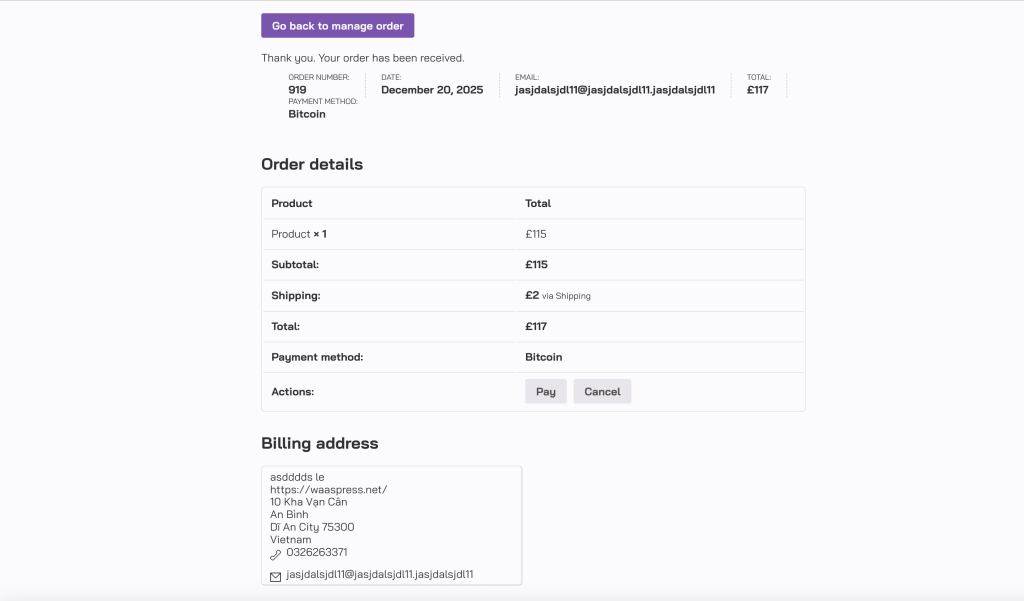
By default, the WA4V server automatically redirects users back to the Voxel order on the WooCommerce thank-you page. However, some WooCommerce payment methods display payment information or a QR code on the thank-you page. Therefore, you need to disable the WA4V auto-redirect. Instead, a ‘Go back to order management’ button will be displayed. Please refer to the example below for how to use this.
wa4v/checkout/payment_gateways
You can use the wa4v/checkout/payment_gateways filter to show or hide specific payment methods based on the current user’s role.
Example: Hide “Cash on Delivery” (COD) for users who do not have the wholesale_customer role.
add_filter( ‘wa4v/checkout/payment_gateways’, function( $payment_gateways, $context_data ) {
// Get the current Voxel user
$current_user = \Voxel\current_user();
// If the user is a guest (not logged in), skip
if ( ! $current_user ) {
return $payment_gateways;
}
// Check if the user has the required role
if ( ! $current_user->has_role( ‘wholesale_customer’ ) ) {
// Remove ‘cash_on_delivery’ from available gateways
if ( isset( $payment_gateways[‘cash_on_delivery’] ) ) {
unset( $payment_gateways[‘cash_on_delivery’] );
}
}
return $payment_gateways;
}, 10, 2 );